
An Auto Scaling group's activity says there is not enough instance capacity in the single subnet it is allowed to use. The launch template's instance type is acceptable in other Availability Zones. What should change first?
Select an answer to reveal the explanation.
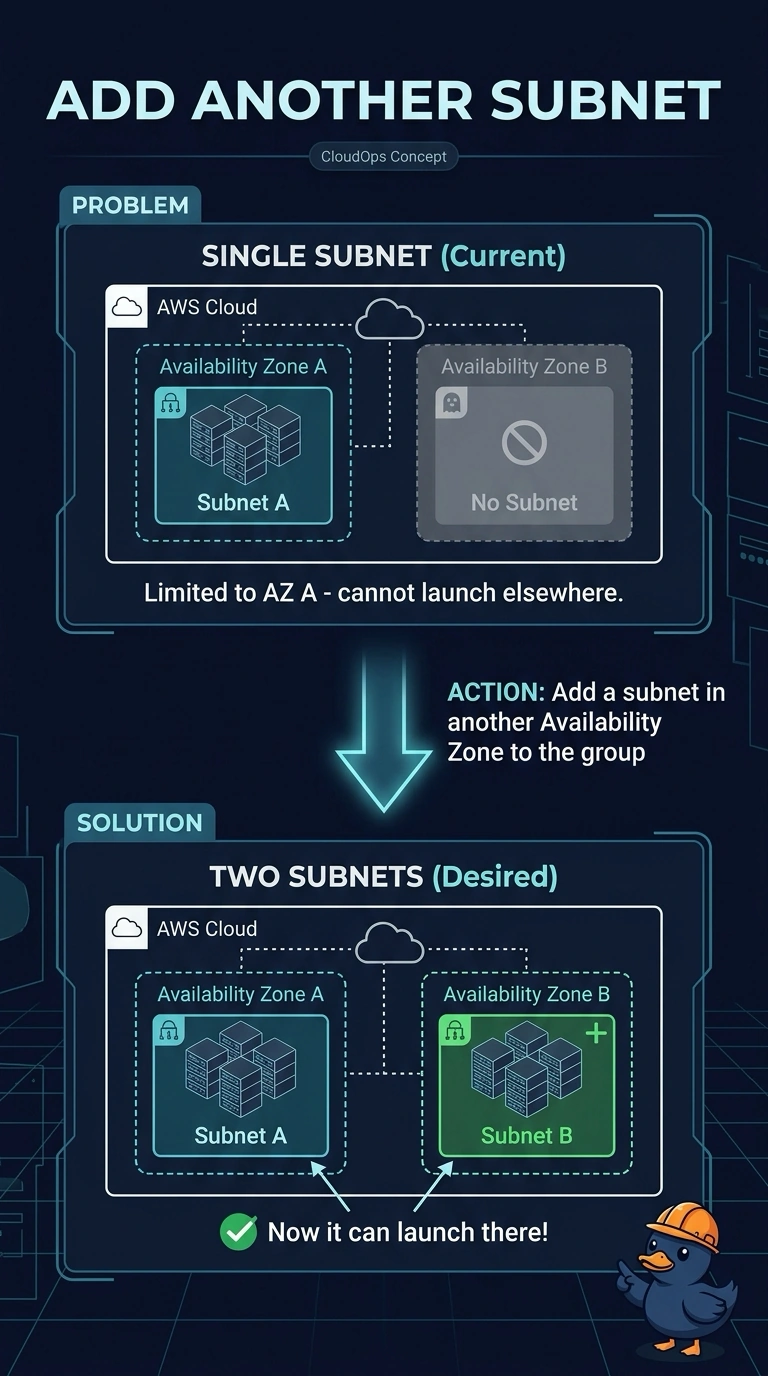
Short Explanation
The instance type works in another Availability Zone, but the subnet you gave the group is out of capacity. Add a subnet in another zone so the group has another place to launch; a bigger instance in the same full subnet is a worse request, not a way out. Capacity is the issue, not the scaling policy.
Full Explanation
Insufficient capacity means the requested instance type is unavailable in the Availability Zone served by the group’s only subnet; it does not mean the scaling policy’s math is wrong. The group can launch only in subnets assigned to it, so adding a subnet in another Availability Zone where the type is available lets a launch use that capacity without changing the instance size. Doubling the instance size in the same subnet asks for even harder-to-find capacity there. Deleting the target tracking policy may hide demand, but it does not create capacity or resolve the launch failure. S3 Transfer Acceleration is an S3 feature and has no effect on EC2 capacity. Exam caveat: the added subnet must be in the group’s VPC and have the routes, network ACLs, and load balancer membership the application requires; otherwise an instance may launch but serve nothing. For a load-balanced service, it must join the same target path. A launch template can list multiple instance types as a later capacity option, but because the question says the type works in other zones, adding a subnet is the direct first fix. Do not expect raising the group’s maximum to make a full zone succeed. Practical check: confirm the group lists subnets in more than one zone, then verify the next activity launches in a zone with capacity; the activity error identifies the zone that lacked it.