
Trusted Advisor flags a security group that allows port 22 from 0.0.0.0/0. The audit wants that finding cleared. What should change?
Select an answer to reveal the explanation.
Short Explanation
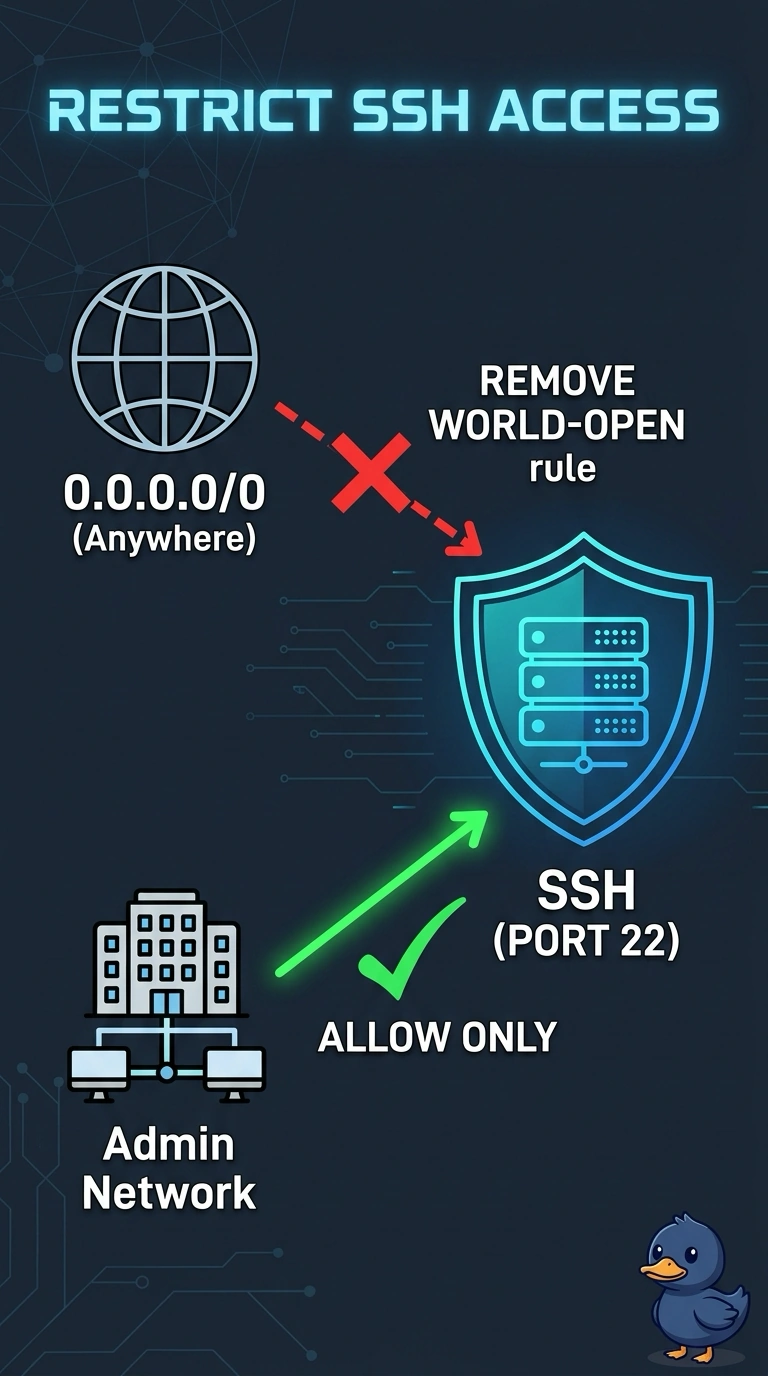
You’ve found an unrestricted SSH rule: port 22 is open to the whole internet. Restrict it to your admin network, then refresh the check; opening SSH to the IPv6 internet adds exposure, while deleting the instance or disabling the check doesn’t fix the rule.
Full Explanation
Trusted Advisor is reporting an unrestricted SSH rule because the security group allows port 22 from 0.0.0.0/0. To clear the finding, edit the inbound rule so SSH is allowed only from the admin network; the group should no longer permit port 22 from the world. Opening port 22 to the IPv6 internet as well does not address the exposure: it extends it to IPv6 clients and creates another world-open path. Deleting the instance that uses the group leaves the rule in place, so another instance could use the same group later. Disabling Trusted Advisor only hides the finding; it does not close the port. Caveat: Trusted Advisor is a point-in-time check, while AWS Config can monitor the same condition continuously if the audit requires the group to stay closed. Practical check: confirm the group no longer allows port 22 from the world, then refresh the Trusted Advisor check. The finding may not clear the moment you save the rule. If continuous enforcement is required, a Config rule for unrestricted SSH can catch a later wide-open group without waiting for Trusted Advisor.