
A clinic's public and private subnets were given the same route table to save time. Someone then pointed 0.0.0.0/0 at a NAT gateway so the private instances could patch. The public website in that VPC stopped answering the internet. What is the durable fix?
Select an answer to reveal the explanation.
Short Explanation
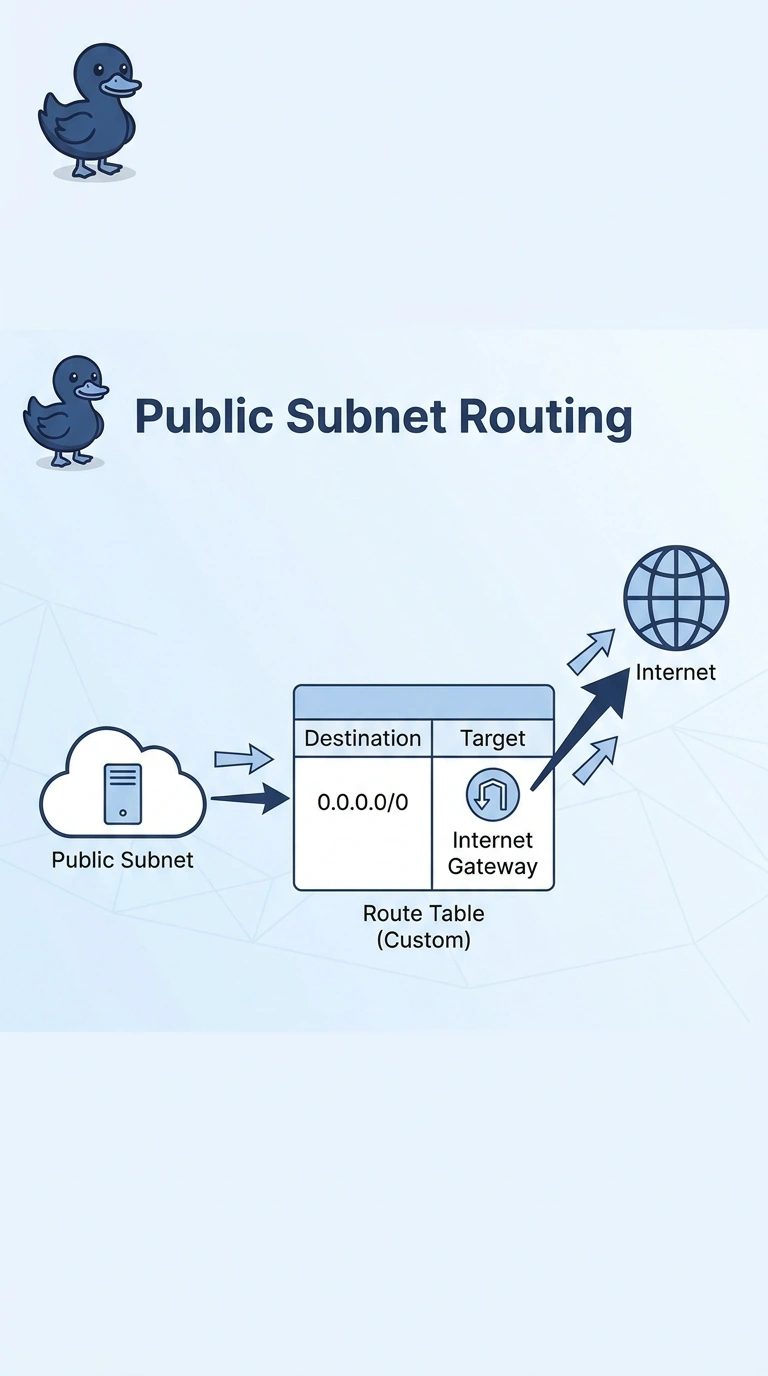
Two rooms were sharing one hallway, and someone rebuilt it for the room that needs the NAT gateway. You give the public subnet its own route table aimed at the internet gateway. One shared table cannot be the right hallway for both.
Full Explanation
A public subnet's default route must target the internet gateway, and a private subnet's default route should target the NAT gateway. One route table cannot do both. Splitting them restores the website and keeps private patching. Deleting the internet gateway removes the public path entirely. Public addresses on private instances, with a default route still aimed at the NAT gateway, do not restore inbound internet replies. Flow logs describe the failure and do not put the internet gateway back on the public path. Caveat: move only the public subnet's association; if you retarget the shared table, the private instances lose the NAT route. Operational check: the public association should show a table whose default target is the internet gateway, and the private association should still target the NAT gateway. Route table association is per subnet, and a subnet has one main association. Create the public table, associate the public subnet to it, and leave the original table on the private subnet with the NAT route. After the split, a public instance should have a route to the internet gateway and the private instance should not.