
Performance Insights on a production RDS for MySQL instance recommends a parameter change that matches a wait the team has already confirmed. What should the team do with that recommendation?
Select an answer to reveal the explanation.
Short Explanation
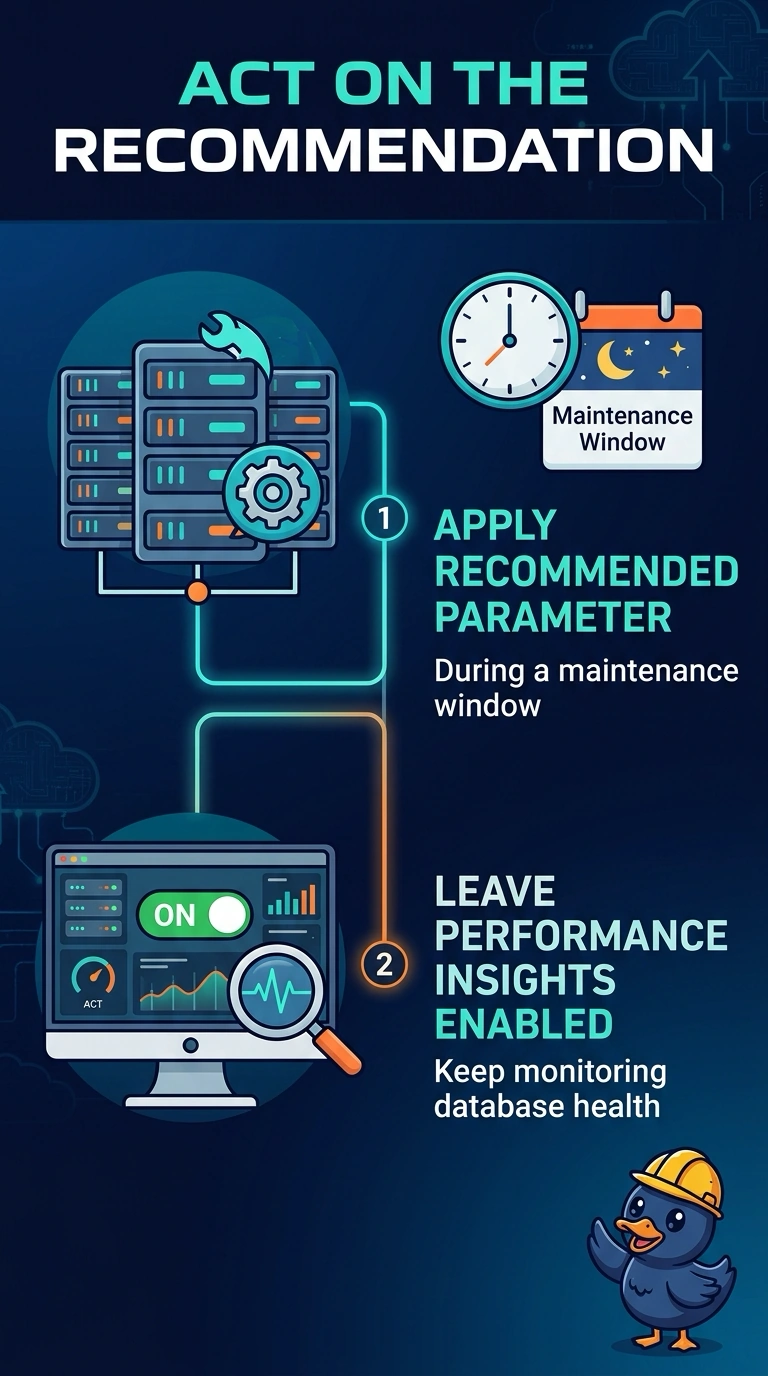
The gauge is not the problem, the engine setting is. Performance Insights has pointed at a parameter that matches a wait you already confirmed, so apply that change in a maintenance window and leave Insights running. Disabling Insights only stops the measurement; it does not change the parameter or clear the wait.
Full Explanation
Performance Insights is showing database load and has recommended a parameter change that lines up with a wait the team already confirmed on the production instance. The change belongs in a maintenance window so the primary is not altered in the middle of the day, and Insights stays on so the same wait can be checked after the change. Disabling Performance Insights stops that measurement. It does not edit the parameter group, and the wait continues on the instance. Changing the parameter only on read replicas leaves the primary, which is the instance in the recommendation, on the old setting. Performance Insights breaks database load into waits, SQL, and the database user or host. It is not a CPU-only graph, and a CPU alarm is a different tool, so dismissing the recommendation on that basis ignores a confirmed wait. Caveat: a static parameter is applied with a reboot, while a dynamic parameter can apply without one, but either change on this primary still waits for the agreed window. Operational check: after the window, confirm the parameter value on the primary and confirm the same wait drops in Performance Insights.