
A SaaS alarm reboots an instance every time CPU crosses the threshold for a single one-minute period. The metric genuinely bounces, and production instances are rebooting all afternoon. What should change so a brief bounce does not reboot the fleet?
Select an answer to reveal the explanation.
Short Explanation
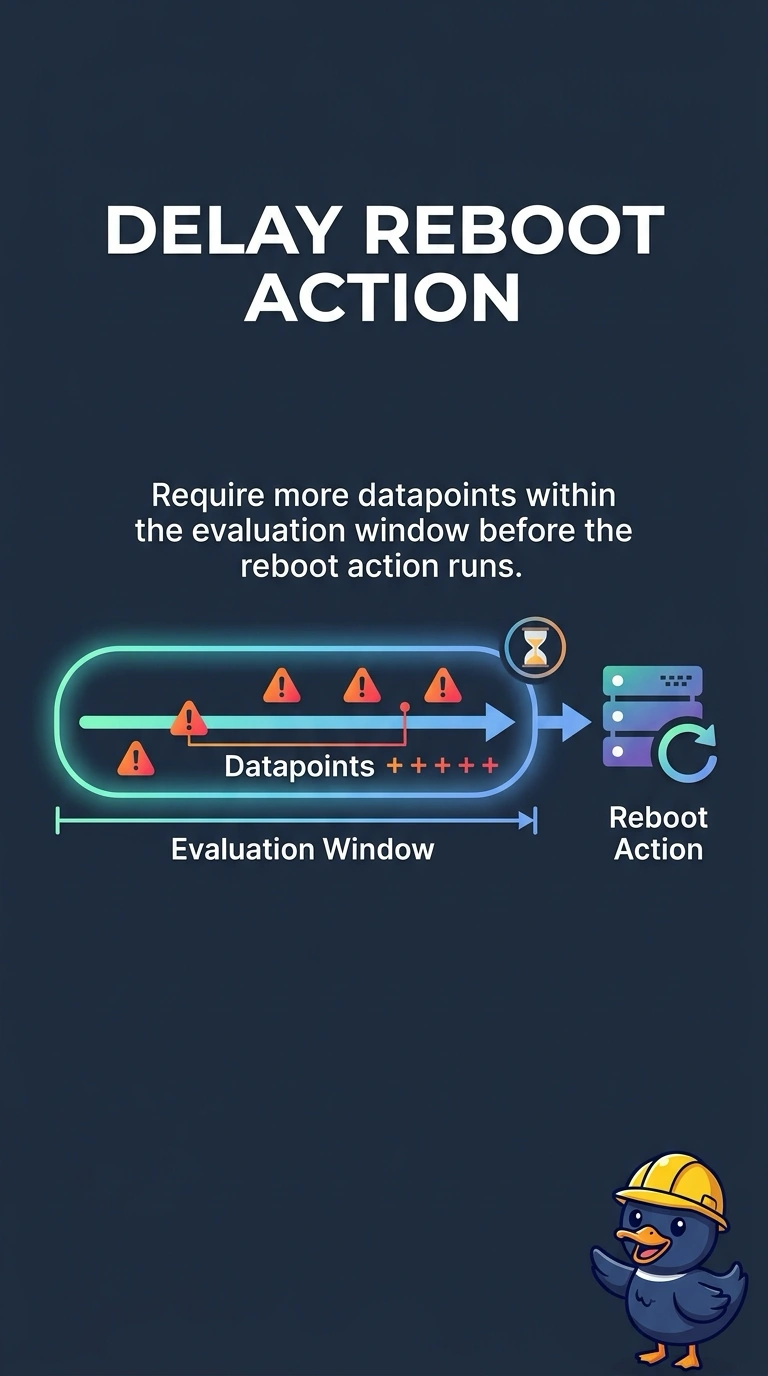
You are throwing the server out the window every time the fan spins up. The CPU really does cross the line for a minute and come back, so you need more datapoints in breach before the alarm is allowed to reboot anything. A shorter period makes the same bounce trigger sooner.
Full Explanation
An EC2 reboot alarm action runs on the transition into ALARM. With one datapoint to alarm, a single period over the threshold reboots the instance, and the next quiet period can set the alarm back to OK, ready to reboot again on the next spike. Raising the number of datapoints that must be breaching inside the evaluation window means a brief bounce stays OK and a sustained breach still reboots. Removing a role does not change the alarm math, and it may only turn a reboot into a failed action while the alarm keeps flapping. A shorter period samples the bounce more often and reaches the threshold sooner, which increases reboots. A second topic delivers a second copy of the same state change. It does not require a longer breach, and it must not be built as a second reboot. Caveat: a longer window delays a reboot you still want for a truly stuck instance, so match the window to how long CPU may legitimately spike. Operational check: graph the metric beside the alarm history and confirm a one-period spike no longer shows a reboot action, while a sustained breach still does.