
A CloudWatch alarm on a grocery chain's ECS service has stayed in INSUFFICIENT_DATA since it was created. The CPU metric exists and has datapoints. The alarm's dimensions do not match the dimensions on that metric. What should change?
Select an answer to reveal the explanation.
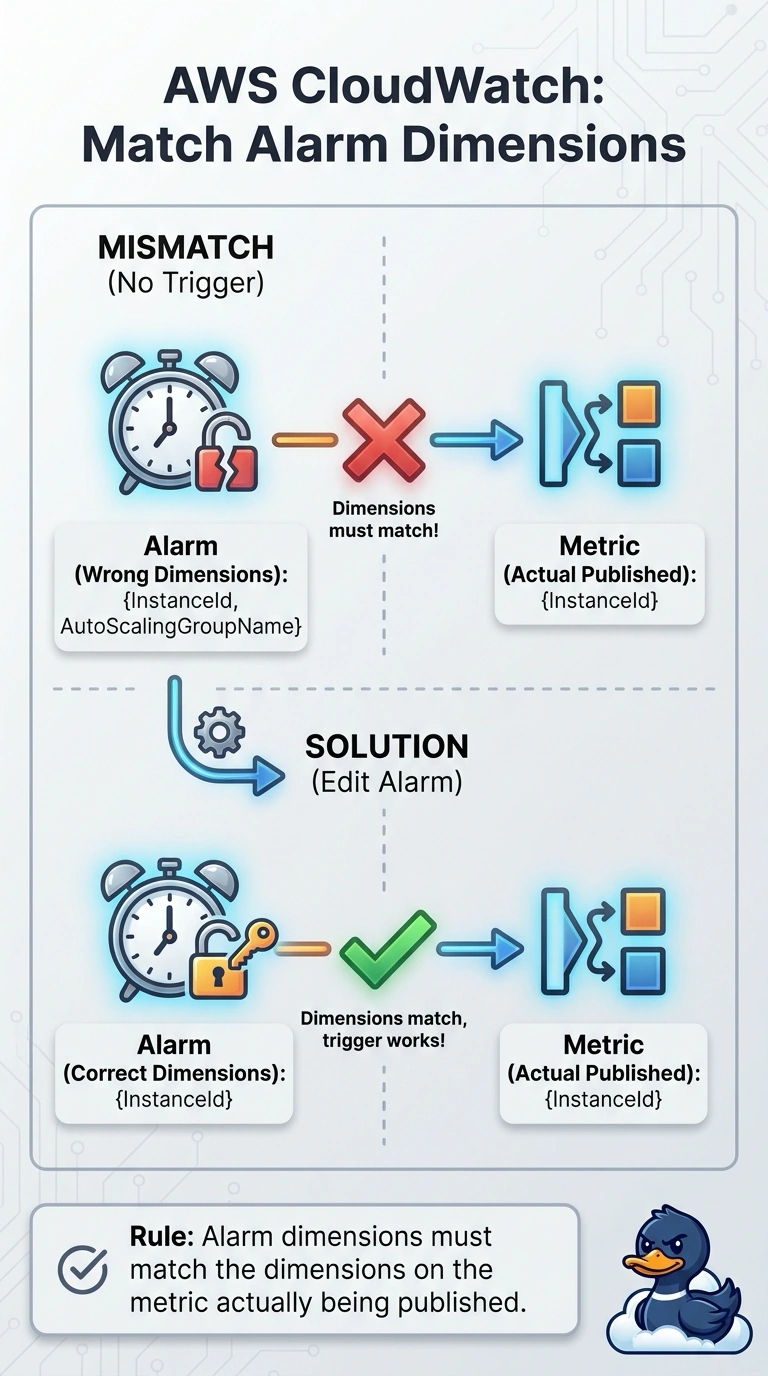
Short Explanation
The alarm is listening for a metric name with the wrong name tags on it, so it hears nothing and sits in insufficient data. You match the dimensions to the series that is already arriving. Deleting the service to quiet the alarm is removing the store to fix the doorbell.
Full Explanation
An alarm evaluates one series, identified by namespace, metric name, and dimensions. Datapoints on a series with different dimensions do not feed that alarm, so it stays INSUFFICIENT_DATA even while graphs of the real series look fine. Aligning the alarm's dimensions with the published metric gives it data. Deleting the service removes the workload. CloudTrail does not supply alarm dimensions. A screenshot is not a paging path, and disabling the alarm drops the signal entirely. Caveat: after you fix the dimensions, a period or statistic that still does not match how the metric is published can look sparse; match those to the series too. Operational check: the alarm should leave INSUFFICIENT_DATA and show OK or ALARM based on the same graph you already trust. Dimensions are case-sensitive and include things like ClusterName and ServiceName. Copy them from the metric that has datapoints, not from memory. An alarm on a math expression has the same trap if the expression's series are empty. After the edit, the alarm state should change within one or two periods. A missing metric entirely is a different problem; here the metric exists and only the alarm is pointed beside it.