
A CloudFormation stack is UPDATE_ROLLBACK_FAILED. One resource that CloudFormation tried to roll back was modified by hand and now blocks the rollback. The team is about to create a second stack with the same resources. What should they do instead?
Select an answer to reveal the explanation.
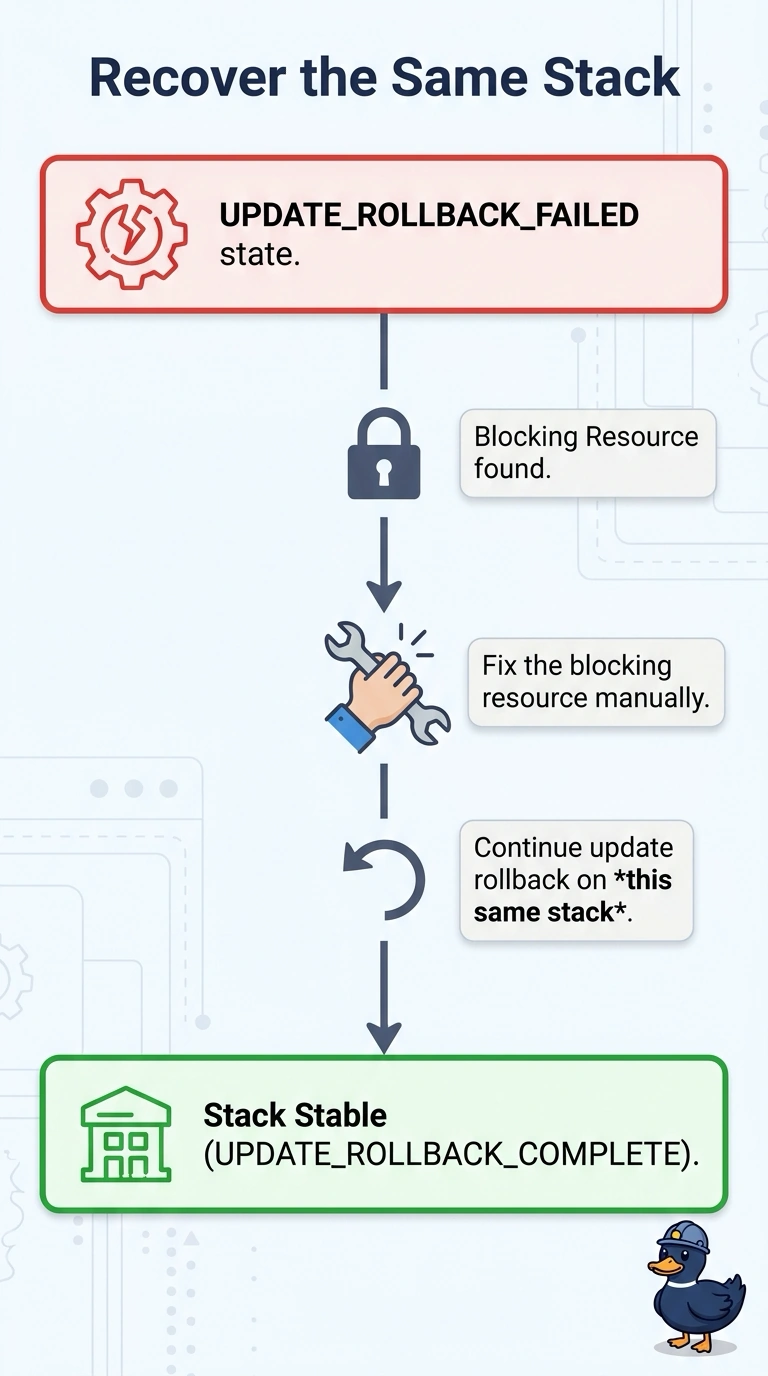
Short Explanation
You can clear the blocker by repairing the resource and asking CloudFormation to continue the rollback on this same stack. That keeps the resources under one stack’s ownership; a twin stack using the same physical names would collide with resources the failed stack still owns.
Full Explanation
UPDATE_ROLLBACK_FAILED means CloudFormation could not return a resource to its previous state, so the rollback stopped. Repair the blocking resource, then call continue-update-rollback on this same stack; this addresses the cause without creating competing ownership. The call can accept resources to skip, but use that only when you have deliberately decided not to roll a resource back, or have repaired it by hand and understand the result. Skipping a database, for example, can leave it with settings from the failed update. Creating a twin stack with the same physical names does not fix the failed stack: the names conflict with resources it still owns, and the stacks can split drift between them. Deleting the account’s VPC would destroy the network rather than resolve the stack state. Turning off termination protection does not clear UPDATE_ROLLBACK_FAILED or continue the rollback. Read the status reason before deciding whether any resource should be skipped. After continuing the rollback, check that the stack reaches UPDATE_ROLLBACK_COMPLETE and that the blocking resource matches the previous template; once the stack and resources agree again, you can plan a fresh update.