
A gaming studio keeps player replays in S3 Standard, must move idle objects to cheaper tiers after 90 days, retain tournament highlights for three years immutably, and auto-delete drafts after one year. Which lifecycle and retention solution should the engineer design to optimize cost with compliant retention?
Select an answer to reveal the explanation.
Short Explanation
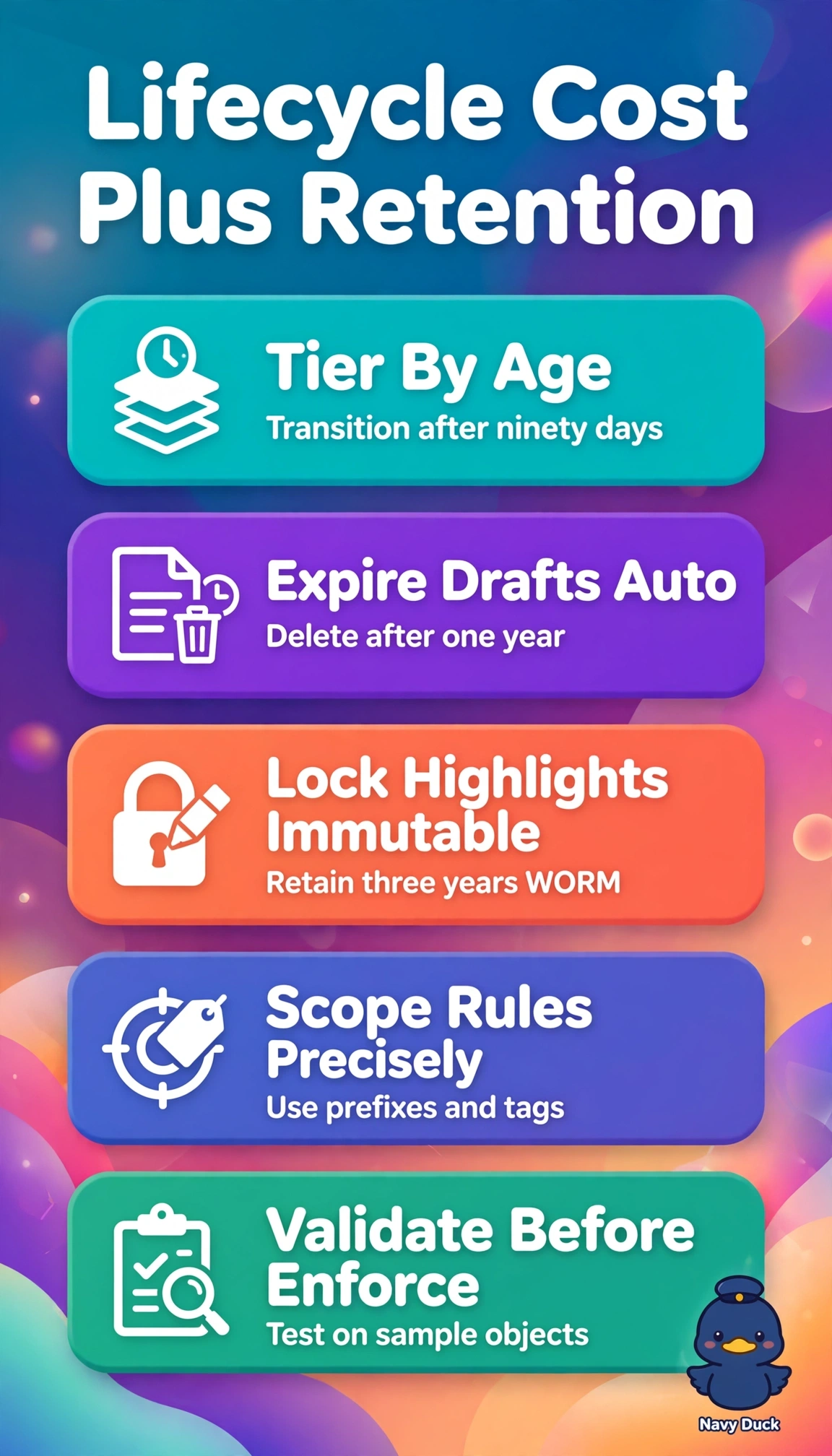
You can let storage rules tidy replays automatically while protecting the highlights that matter. Lifecycle plus Object Lock moves idle replays to cheaper tiers after 90 days, expires drafts after a year, and keeps tournament highlights immutable for three years.
Full Explanation
The design works because S3 Lifecycle transitions and expirations control cost while Object Lock applies immutability only where required: move idle Standard replays to a cheaper tier after 90 days, retain tournament highlights immutably for three years, and expire draft objects after one year without locking them. Transitioning replays to Glacier Flexible Retrieval after 180 days still reduces storage cost, but misses the required 90-day timing and leaves them in Standard longer than necessary. Using Standard-IA after 90 days meets the transition timing, but one-year Object Lock on highlights falls short of the three-year preservation requirement, risking premature deletion and audit failure. Applying three-year Object Lock to highlights while retaining drafts for three years fails to meet the drafts’ one-year auto-delete requirement, blocking disposal and increasing cost and governance risk. Exam caveat: distinguish transition timing from expiration timing, and verify whether retention is configured per prefix with versioning and compliance mode rather than bucket-wide. Practical check: separate highlights and drafts by prefix or tag, simulate the rules in a test bucket, and use inventory and CloudTrail to verify transitions, expirations, and retained versus expired versions before enforcement.