
After a stolen access key alert, a retailer must trace the key's use across CloudTrail, WAF, and custom app logs in CloudWatch to map accessed buckets, IPs, and follow-on calls within hours. Which search and correlation workflow should the responder execute to reconstruct the security event timeline?
Select an answer to reveal the explanation.
Short Explanation
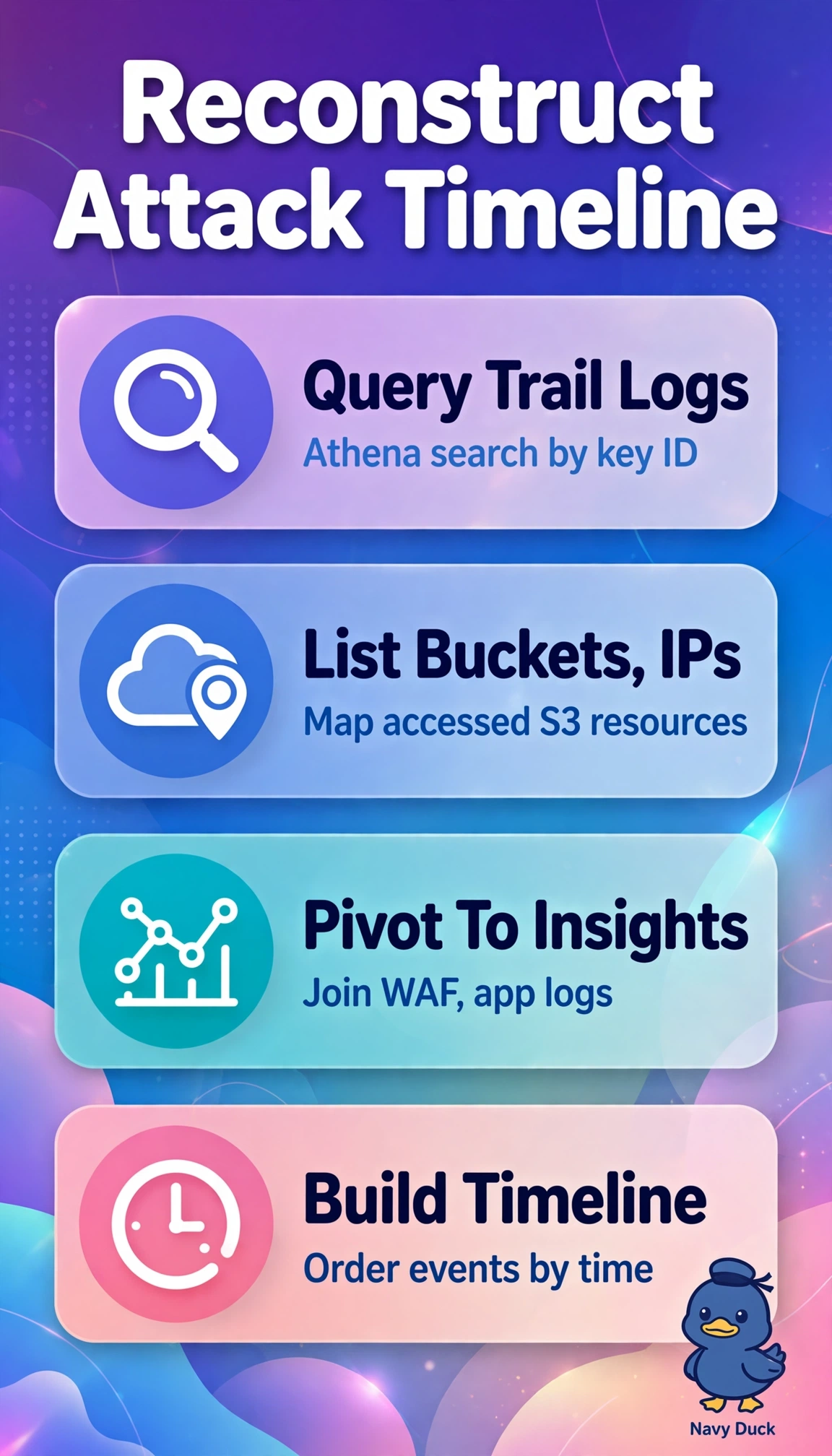
You can piece together the scattered footprints quickly by linking the key’s activity to WAF and application logs. A timeline shows which doors the key tried and what happened next.
Full Explanation
Querying CloudTrail logs in S3 with Athena lets you search by access key ID, IP, and resource to establish the key’s initial use and identify accessed buckets. Then use CloudWatch Logs Insights across WAF and application log groups, correlating records by request ID, IP, and timestamp to reveal follow-on calls and build a unified event timeline. Searching GuardDuty threat lists fails conceptually because threat intelligence indicators do not provide searchable historical API activity for a specific key, and correlating only WAF logs also leaves out the custom application logs needed to trace follow-on behavior. Inspector package scans assess host vulnerabilities; they do not correlate request-level activity across WAF and application logs. Security Hub automation rules manage finding workflows, while Config snapshots provide configuration history; neither supports interactive log searches to reconstruct this event. Exam caveat: use Athena over trail logs for the AWS API activity and Logs Insights for service and application telemetry, correlating them by time and IP. Practical check: revoke the key first, then verify that your query time ranges cover the full exposure window.