
After a production outage, an API team finds API Gateway access logs in CloudWatch but no execution logs for 5xx errors from a REST API integrated with Lambda. The stage was recently redeployed, and engineers suspect missing permissions or disabled detailed logging. Which logging configuration review restores API Gateway execution logging?
Select an answer to reveal the explanation.
Short Explanation
You are missing the detailed backstage record, not the door count. Execution logging needs a valid log role and INFO level to record backend errors.
Full Explanation
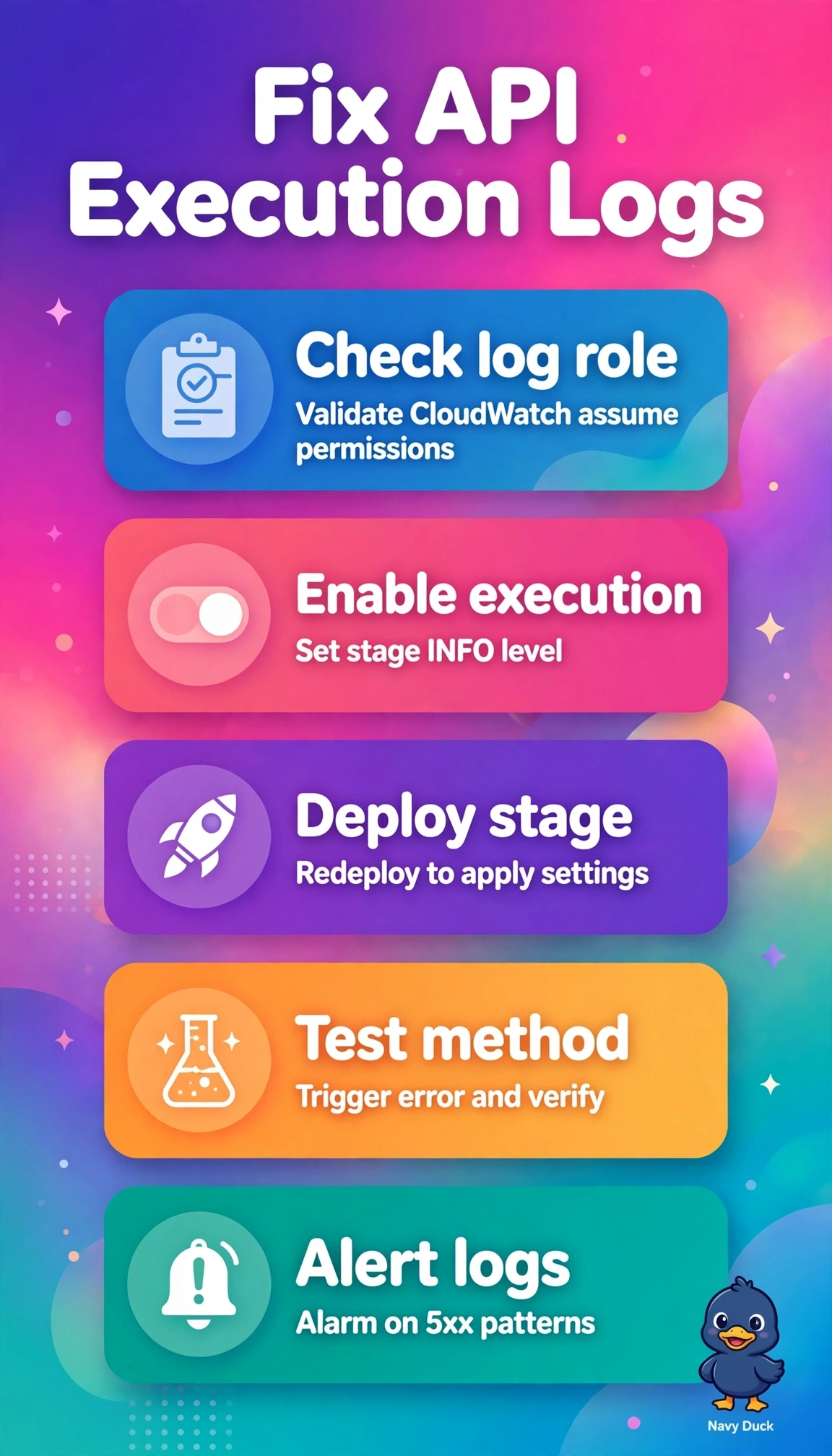
Restoring execution logs for a REST API requires both the account-level CloudWatch Logs role with rights to create streams and put events and stage-level Execution Logging set to INFO to capture the full method lifecycle, Lambda integration mapping and detailed 5xx diagnostics, which single-line access logs cannot provide. Checking Lambda role permissions with tracing strengthens backend observability but fails by source because execution logs are emitted by API Gateway under its account role, not by the function role, so gateway routing and integration errors remain hidden. Enabling access logging with custom JSON improves status and latency analytics and is routine after outages, yet it fails by type because it leaves execution logging disabled despite access data already flowing. Verifying the account role and redeploying without changing log levels checks the role but leaves the log level unchanged, so it fails by completeness because execution logging stays off. For exams, separate execution versus access versus function logs carefully when only one stream is missing. Practically, confirm the role ARN via get-account, set Execution Logging to INFO on the stage, then trigger a test request and confirm the execution log group receives new streams.