
A logistics company with 60 AWS accounts in one payer needs isolated production, stage, and sandbox environments, centrally enforced guardrails, and consolidated billing. Which Organizations deployment best provides delegated structure with centralized governance?
Select an answer to reveal the explanation.
Short Explanation
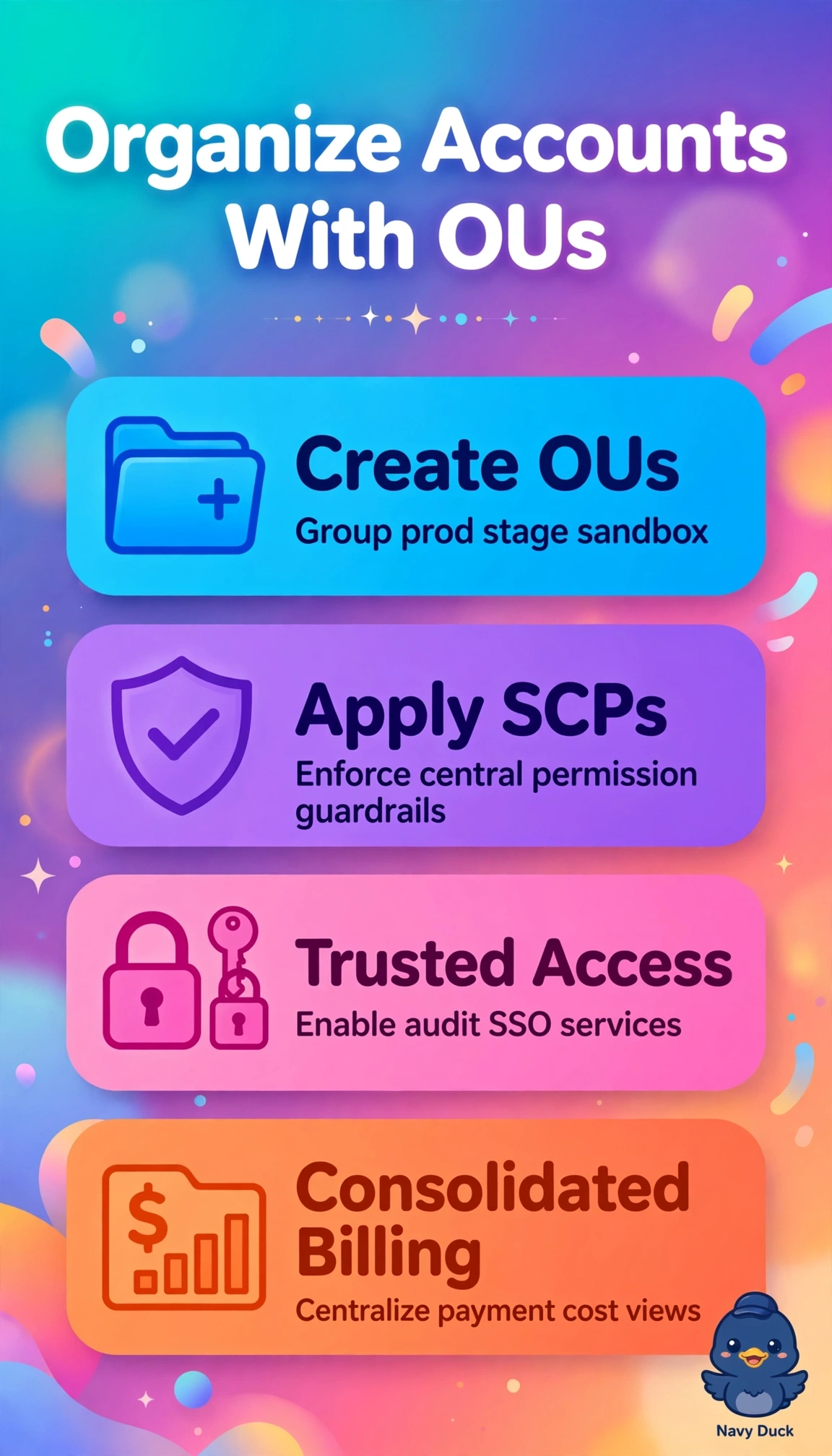
You've got 60 accounts to corral, so you'll love sorting them into prod, stage, and sandbox buckets under one bill. With Organizational Units and SCPs applied, your teams stay separated but you still hold the central guardrails.
Full Explanation
The correct deployment uses a single organization with distinct OUs for prod, stage, and sandbox, SCPs for preventive guardrails, and trusted access for AWS services, satisfying isolation, centralized governance, delegated administration, and single-payer consolidated billing together. Creating a separate organization per environment offers isolation and allows SCPs but fragments management and billing across multiple payers, violating the single-payer consolidation and centralized governance requirement while increasing operational overhead. Building the correct OU structure with consolidated billing but governing only with IAM policies fails prevention because IAM is identity-based and granted within accounts, so an account administrator can broaden access, whereas SCPs define the maximum permissions centrally and enforce denies top-down regardless of local admins. Placing all 60 accounts in a single OU with central SCPs and billing preserves governance and cost visibility but eliminates environment separation, removing differentiated controls for prod versus sandbox, blast-radius containment, and delegated autonomy. As an exam caveat, distinguish preventive SCPs from detective Config rules and from IAM grants, since scenarios testing centrally enforced guardrails require denial even against account admins. As a practical check, confirm OUs hold expected accounts, SCPs are attached and tested with denies in sandbox, and trusted access plus billing are active on the management account.