
A media company runs REST APIs on API Gateway with Lambda integrations and CloudFront delivery. Engineers see 502 errors but API Gateway execution logs and Lambda CloudWatch logs are missing, while access logs exist. Which logging configuration review best troubleshoots the missing functionality and permissions for diagnostics?
Select an answer to reveal the explanation.
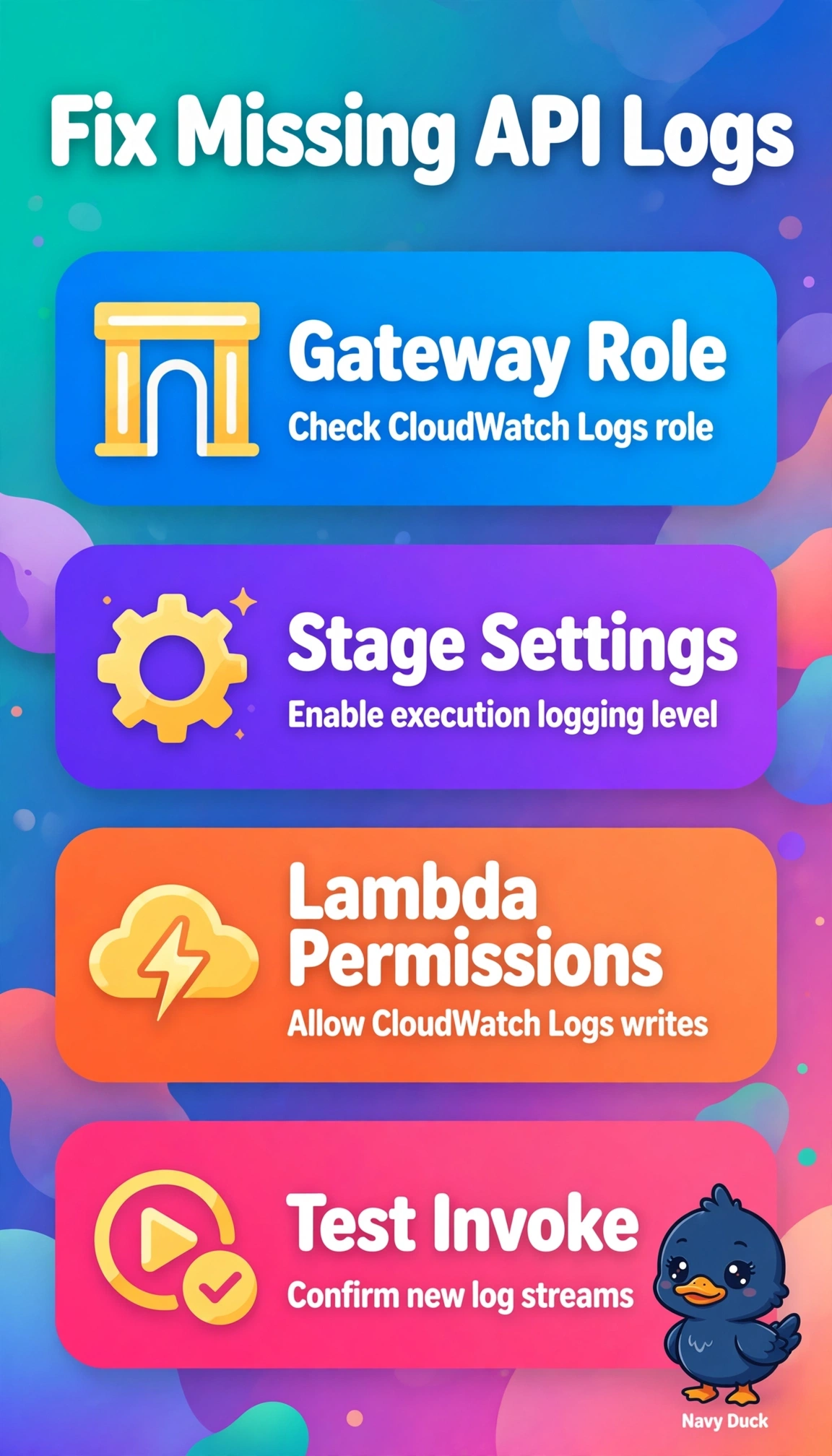
Short Explanation
Missing logs usually mean the logger never got permission to write. Checking the execution role and stage settings restores your visibility faster than chasing downstream services.
Full Explanation
The correct review succeeds because API Gateway execution logging depends on a dedicated IAM role attached to the account and stage plus an explicit stage log level such as ERROR or INFO, and without both no method execution traces appear even when access logging to CloudWatch continues normally, while Lambda functions separately require CloudWatch Logs permissions through their execution role to create log streams, so a 502 from a failed Lambda integration remains invisible when either side lacks permission. Reviewing the access log format, destination, and retention is a sound auditing practice for traffic analysis but it only confirms client-facing records already present and cannot restore backend integration mapping or function invocation detail. Reviewing Lambda timeout, memory, and integration timeout is a commonly used performance approach for 502s caused by exceeding limits or concurrency starvation, yet it diagnoses the error cause rather than the diagnostic gap that execution and function logs are absent. Reviewing CloudFront origin timeout, error caching, and custom responses is standard for edge-delivered APIs to tune origin behavior and avoid caching backend failures, but it operates at the distribution layer and does not enable API Gateway control-plane logging or Lambda permissions. The exam caveat is to distinguish access logging from execution logging and distribution logging, since scenarios often present all three together and only execution logging requires the API Gateway CloudWatch role and stage deployment. The practical check is to redeploy the stage after correcting the role and level, invoke a test request that reproduces the 502, then confirm fresh streams appear in both the stage execution log group and the function log group.