
Developers report a Lambda execution role receives AccessDenied for s3:GetObject on arn:aws:s3:::reports-q4/* despite an attached IAM policy allowing it. The bucket policy was recently updated, and an SCP now restricts S3 in non-logging accounts. Which diagnostic method should the engineer use to pinpoint the cause of the authorization failure?
Select an answer to reveal the explanation.
Short Explanation
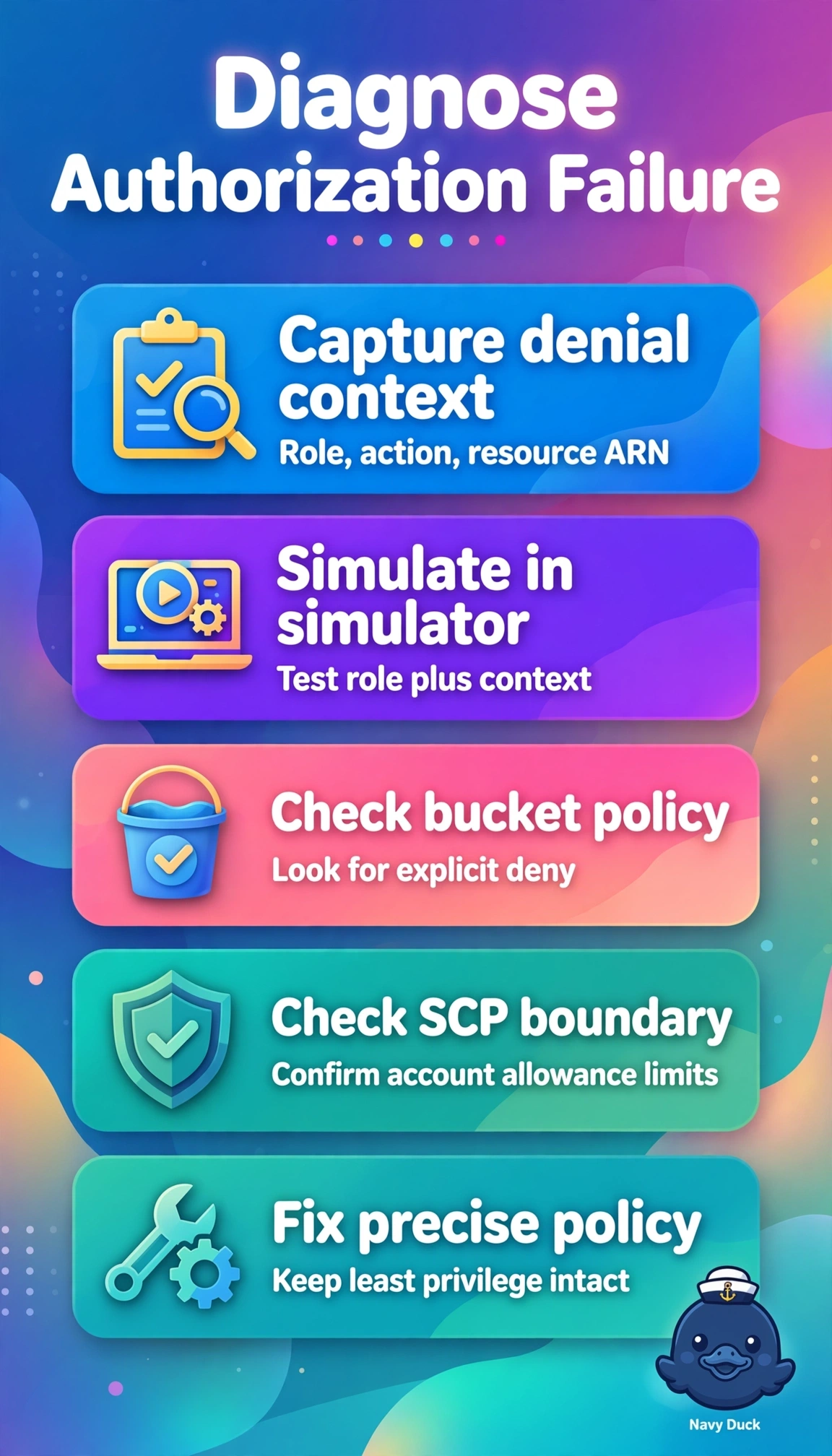
When an allow still results in AccessDenied, you can trace which layer is limiting access. Use Policy Simulator for the Lambda role and S3 action, then review Access Analyzer policy checks for a bucket-policy or SCP restriction.
Full Explanation
Use IAM Policy Simulator to evaluate the Lambda execution role’s permission for s3:GetObject on the specified bucket object ARN, including relevant context conditions, and review Access Analyzer policy checks to help identify whether the bucket policy or SCP is causing the denial. This diagnostic approach addresses the layered authorization policies that can override an identity-policy allow. VPC flow logs show network traffic and rejected connections to an endpoint, but they do not determine whether IAM, a bucket policy or an SCP allows the request; an authorization failure is not diagnosed by inspecting network rejects. Inspector scans the Lambda deployment package for vulnerabilities, which does not evaluate S3 permissions or policy interactions. Rotating role credentials and adding s3:* changes access rather than pinpointing the cause; it also violates least privilege and may not overcome a bucket-policy deny or an SCP restriction. For the exam, remember that an explicit deny overrides an allow and an SCP sets a maximum permission boundary for accounts in its scope. As a practical check, enter the exact resource ARN and relevant condition context when simulating the role’s action, then use the policy checks to investigate the policies governing that access.