
A logistics company runs 50 tracking instances using the unified CloudWatch agent for syslog and mem_used_percent. After centralizing the agent JSON in SSM Parameter Store and redeploying with SSM, memory metrics arrive but /var/log/messages stops appearing and the agent log shows no file error. The instance profile is unchanged. Which remediation should the operator apply to restore syslog delivery via the CloudWatch agent configuration?
Select an answer to reveal the explanation.
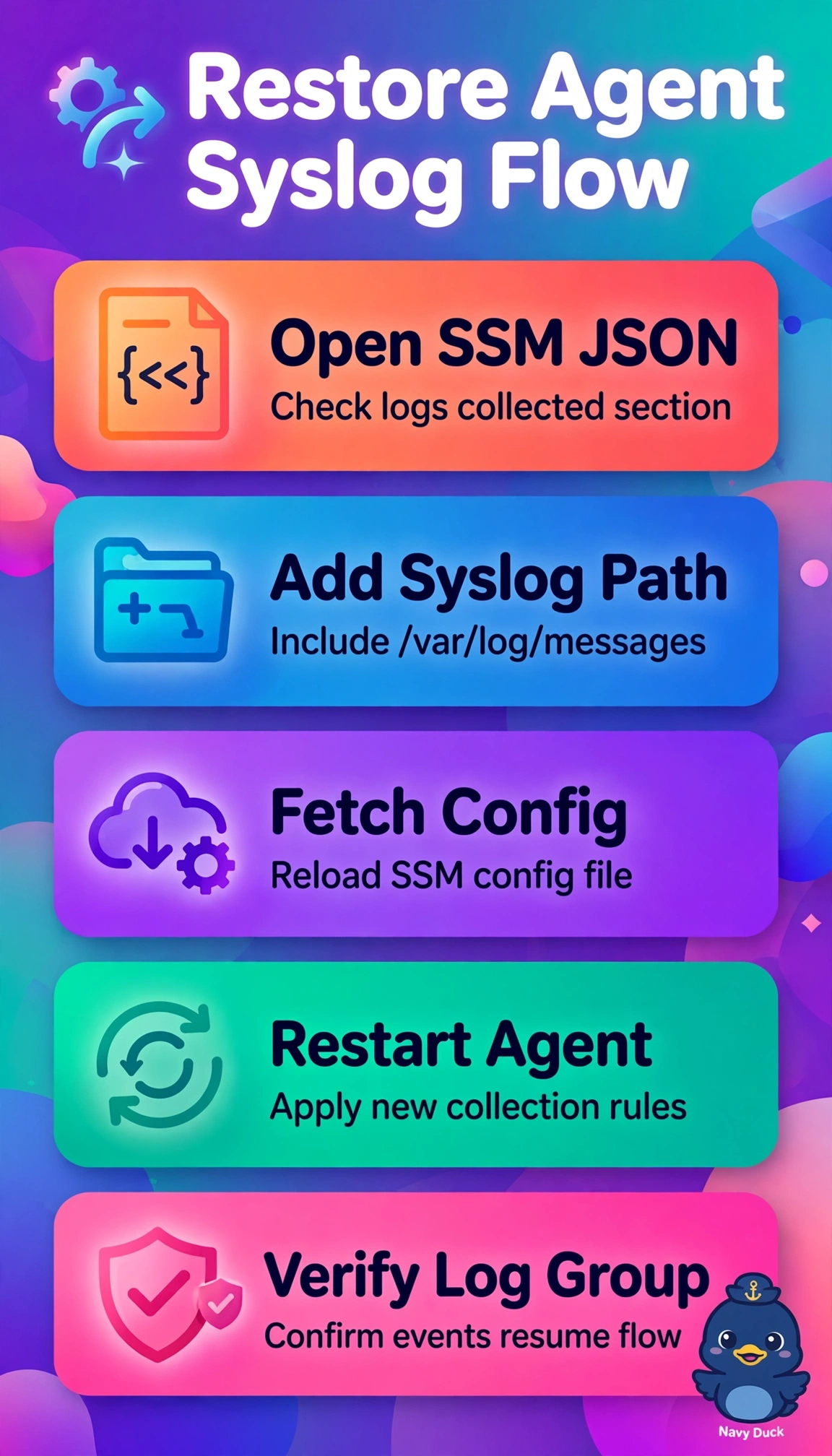
Short Explanation
You can read the returning memory metrics as a sign that the agent is running, while the missing syslog points to its configuration. Correct the SSM configuration and have the hosts fetch it and restart the agent to restore delivery.
Full Explanation
Memory metrics continuing while /var/log/messages disappears after configuration centralization points to a running agent with working credentials but an incomplete logs collect_list in the SSM-hosted JSON. The syslog file stanza may have been dropped during migration from the local configuration, which fits the lack of a file error and the unchanged instance profile. Correcting the SSM JSON to include the syslog file path and relevant log group, stream, and timestamp settings, then making each host fetch the configuration and restarting the agent, restores both the source configuration and the active process. Granting CreateLogGroup and PutLogEvents and restarting sounds plausible for missing logs, but fails as a diagnosis: the evidence points to a missing collection stanza, not an authorization failure, and the role has not changed. Updating the parameter and waiting for agents to reload it fails because running agents do not automatically poll Parameter Store for configuration changes. Fixing only local files may restore delivery temporarily, but leaves the centralized configuration incomplete and risks drift or overwriting the fix during redeployment. Exam caveat: when one telemetry type still arrives, distinguish an agent configuration problem from a general host or connectivity failure. Practical check: validate the JSON, fetch it with the agent control command and restart, then confirm fresh events in the target log group and successful file tailing in the agent log.