
A reading room has two diagnostic monitors that render the same Digital Imaging and Communications in Medicine image with slightly different mid-gray contrast. Ambient light is controlled. Which display monitor QA action should the technologist perform to verify Grayscale Standard Display Function and luminance tracking?
Select an answer to reveal the explanation.
Short Explanation
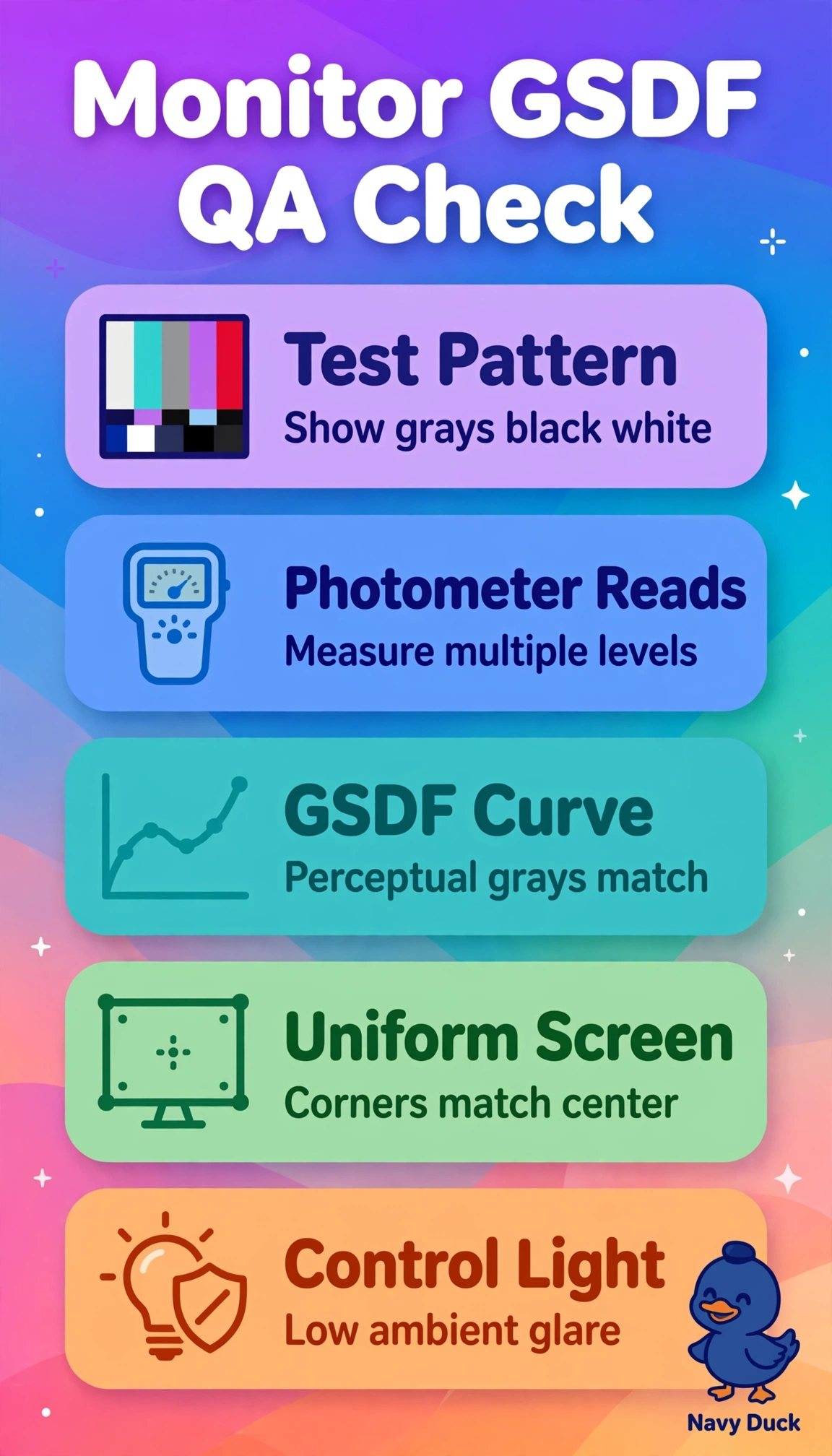
You can’t confirm matching gray-scale output by eye alone. Photometer readings across multiple gray levels are your tuning fork, showing whether both displays track the same grays.
Full Explanation
GSDF compliance means perceptual spacing stays consistent across gray levels, so photometer measurements at multiple digital driving levels quantify luminance tracking, Just Noticeable Difference uniformity, and deviation from the GSDF curve. This can identify the source of a subtle mid-gray mismatch even when ambient light is controlled. Visually evaluating TG18-QC patterns is useful for checking contrast visibility, artifacts, and sharpness, but subjective viewing cannot quantify luminance output or confirm matched GSDF tracking. Measuring only maximum white and minimum black luminance assesses endpoints, contrast ratio, and dynamic range, but cannot reveal mid-scale nonlinearity or drift. Checking software calibration status and copying a luminance lookup table may standardize workstation settings, but software flags do not measure emitted light, and copying can transfer backlight aging or sensor error without verification. An exam caveat is that controlled ambient light with differing mid-grays points to quantitative luminance tracking rather than room setup or windowing. As a practical check, record photometer values for both monitors at identical levels, compare GSDF error with department tolerance, and recalibrate before diagnostic use if either display is out of tolerance.