
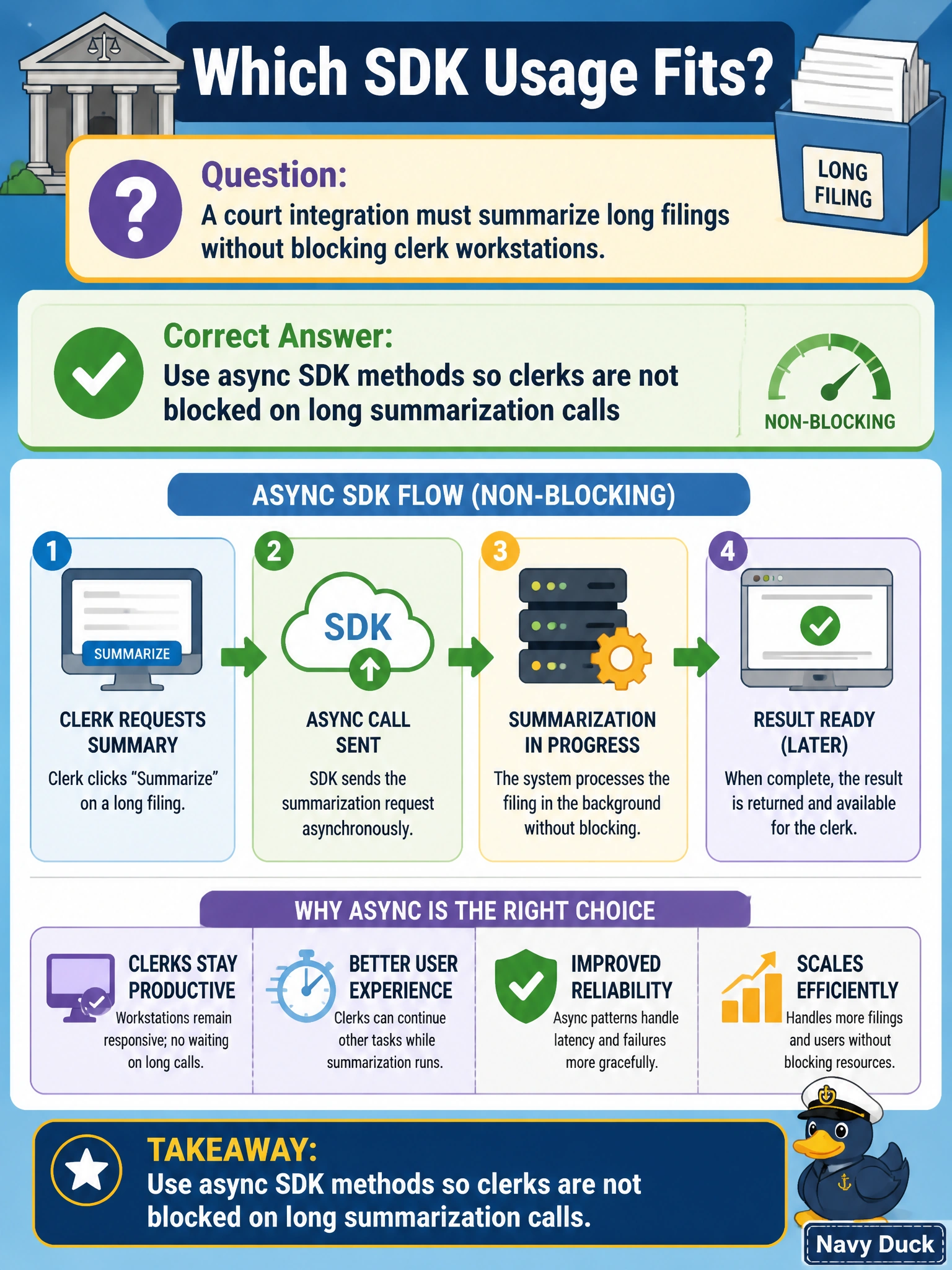
A court integration must summarize long filings without blocking clerk workstations. Which SDK usage fits?
Select an answer to reveal the explanation.
Short Explanation
Long filings shouldn't freeze the clerk's screen—hit async SDK methods and keep the desk moving.
Full Explanation
Court integrations summarizing long filings should use async SDK methods so clerk workstations are not blocked while Claude runs. Asynchronous calls keep the UI responsive, allow progress indicators and cancellation, and fit multi-minute summarization of dense pleadings without freezing the clerk's desk mid-docket. Using synchronous SDK calls with increased timeouts for filing summaries fails because the clerk UI thread still blocks during long summaries, stalls input, raises false "frozen PC" tickets, and halts adjacent case entry. Polling SDK summary status from the clerk interface thread while waiting fails because it monopolizes the interface thread with status checks, blocking continued clerk work during summarization of lengthy filings. Bundling filings into large batched SDK requests processed on clerk workstations fails as a brittle local-batch approach that overloads clerk desks and abandons integrated caseflow, access control, and audit trails. Exam caveat: async jobs still need durable task IDs, cancellation, retries, and dead-letter handling so summaries are not lost if the clerk navigates away or the session expires. Operational check: submit a large filing summary via async SDK methods, confirm the UI remains interactive, and verify the completed summary attaches to the correct case when the job finishes.