
A city open-data portal queries UCS blade inventory with a filter for “cooling-tower” tags. The first page returns HTTP 200 with an empty items array. How should the pagination control flow treat that result?
Select an answer to reveal the explanation.
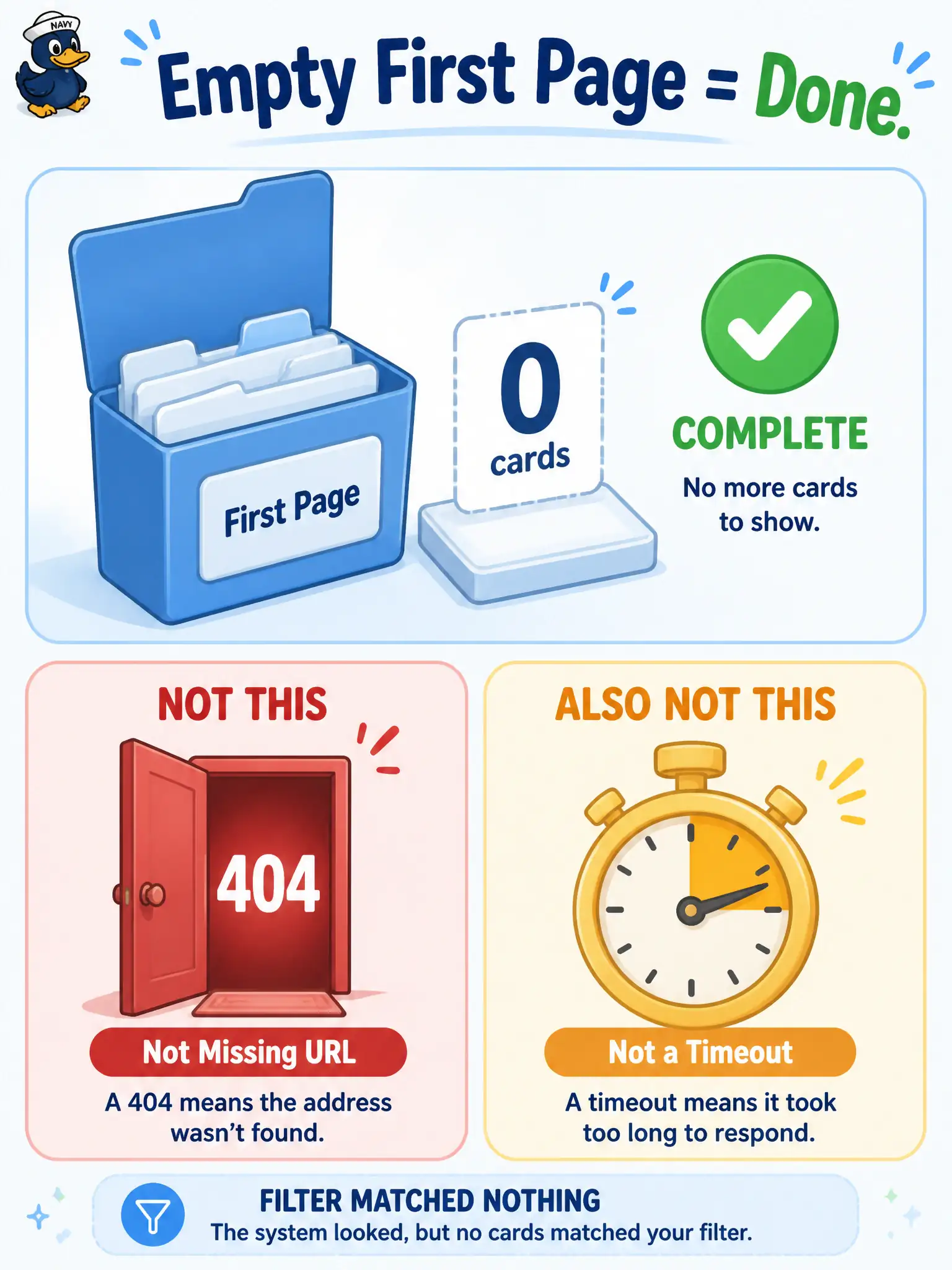
Short Explanation
An empty first drawer means nothing matched the label—you are finished looking, not locked out of the building. Zero items with a success status ends pagination; it is not a 404 on a missing resource and not a timeout retry.
Full Explanation
An HTTP 200 with an empty items array on the first UCS blade page for cooling-tower tags means the filter matched nothing in inventory. Pagination control flow should treat that as successful completion and exit: there is no further window to chase for that predicate. Empty success is a valid end state for a city open-data query, not an error path that should abort or retry the whole job.
Calling the result a 404 missing-resource failure confuses “no matches for this filter” with “the collection itself does not exist” and aborts jobs that actually completed correctly. Treating it as a retryable timeout invites needless backoff loops against a definitive empty answer. Stripping Authorization and retrying anonymously turns a clean empty result into an auth experiment that will usually fail closed or return unauthorized noise. In municipal open-data jobs, an empty filtered page should produce a zero-row publish with success telemetry, not an incident ticket claiming UCS is down. Document the cooling-tower tag and the empty result so operators can distinguish “no tagged blades” from platform outages on the next review.
Exam caveat: distinguish empty filtered success (200, items=[]) from transport failures and from true 404s on unknown resources. Operational check: when the first page is empty with success status, stop paging, record zero matched blades for cooling-tower, and ensure retry and auth-strip branches never run on that path.