
An OAuth token response and a privileged Cisco inventory body both arrive with Cache-Control: no-store. What must the consumer do?
Select an answer to reveal the explanation.
Short Explanation
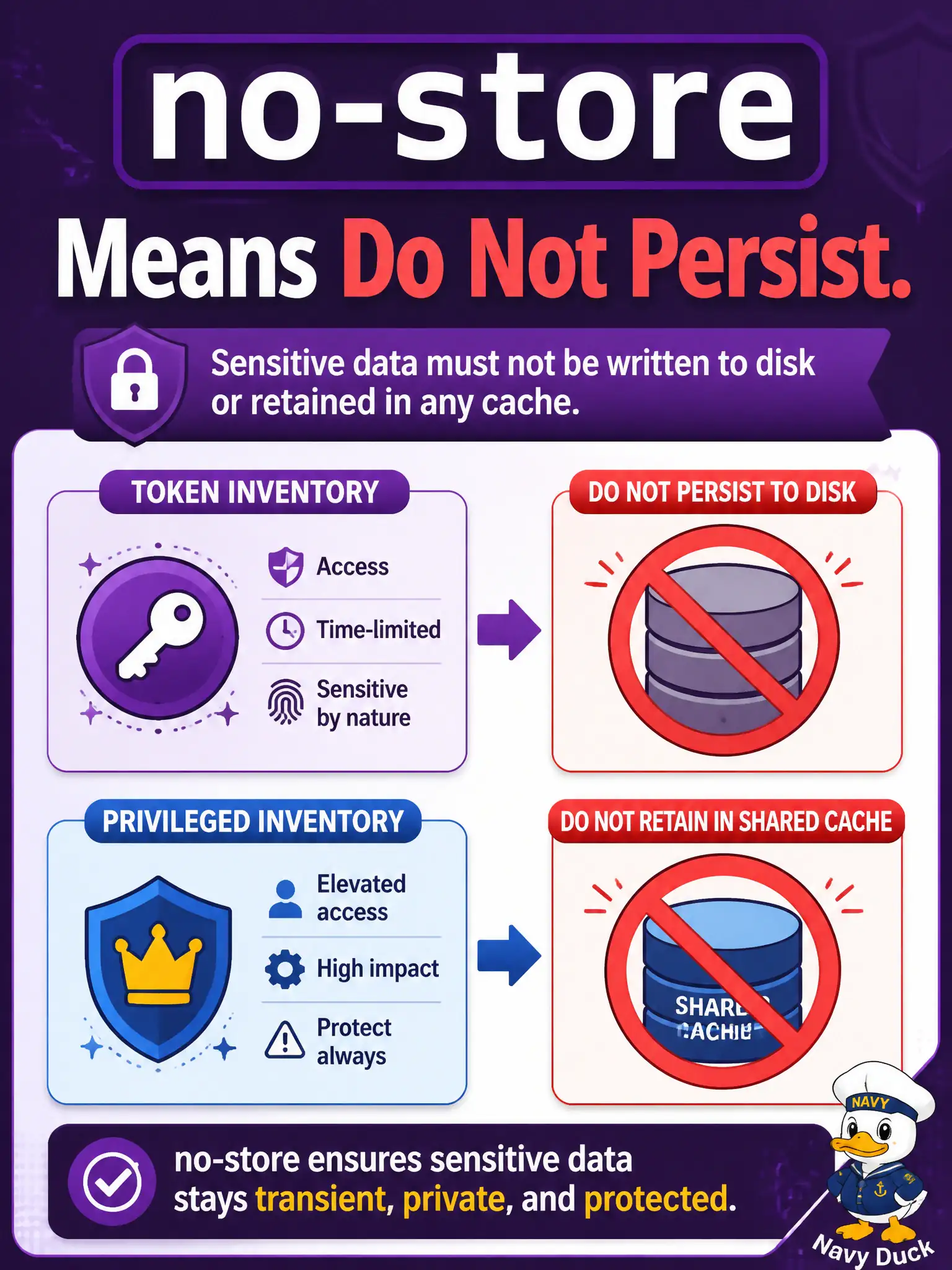
no-store is the librarian’s “do not photocopy the sealed personnel file.” Tokens and privileged inventory bodies must not be written into shared or disk caches—even if caching feels like an optimization.
Full Explanation
Cache-Control: no-store forbids retaining the representation in non-ephemeral or shared caches. When both an OAuth token response and a privileged Cisco inventory body arrive with no-store, the consumer must refrain from persisting those representations in a shared or disk cache. Tokens and privileged inventory are exactly the class of municipal data that must not linger on shared workers, CDN edges, or operator laptops’ disk caches after the response is consumed for the immediate request.
Writing both bodies into a shared disk cache to speed up the next operator login fails by violating no-store and creating a credential and inventory residue attackers or peer processes can read. Treating no-store as optional advice and keeping a process-wide copy for peer workers fails the directive’s intent for shared reuse—even in-memory sharing across users is inappropriate for token material. Converting no-store into max-age=3600 so tokens survive service restarts fails by rewriting the server’s cache policy into the opposite of what it mandated.
Exam caveat: keeping a token briefly in a secrets manager or memory for the active session is not the same as HTTP disk/shared caching of the token response representation; do not confuse application secret storage with HTTP cache compliance. Prefer Cache-Control over conflicting Expires when deciding store eligibility.
Operational check: inspect the HTTP cache layer and confirm responses with no-store are ineligible for disk and shared caches, and that token files are not written beside ordinary GET cache entries.