
Terraform already owns VLAN 40 on a library branch switch. Operations needs the VLAN renamed. What is the correct Terraform workflow change path?
Select an answer to reveal the explanation.
Short Explanation
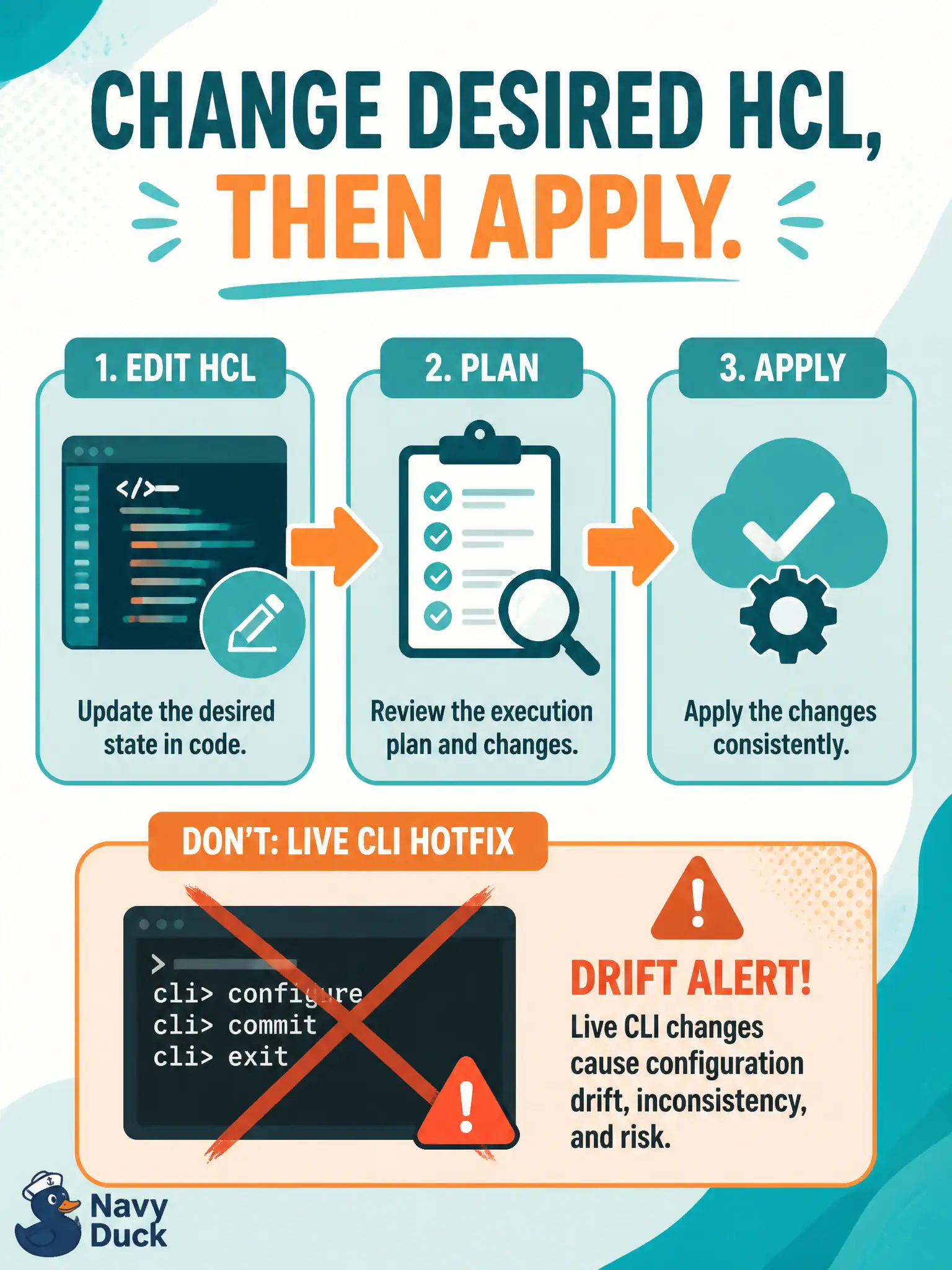
Change the blueprint, then let Terraform rebuild the shelf—live CLI hotfixes on Terraform-owned objects create drift. Hand-editing state or abandoning the provider is not the workflow.
Full Explanation
Once Terraform owns VLAN 40 on a library branch switch, legitimate changes must flow through desired HCL plus plan and apply so Terraform converges and state remains truthful for the municipal team. Update the resource attributes in HCL, review the plan carefully, and apply. Out-of-band CLI edits create drift that the next Terraform run will fight, confusing operators and auditors who treat the Git repo as desired state for campus access layers.
SSHing to the switch to rename the VLAN while leaving HCL unchanged creates exactly that drift and invites a surprise recreate or revert on the following apply. Editing only the remote state JSON by hand so the next plan “skips” the device is unsupported and dangerous for shared team workflows. Disabling the provider and pushing the rename with an ad-hoc Ansible one-liner abandons Terraform ownership mid-change and splits the source of truth across tools.
Exam caveat: some attribute changes are force-new (destroy/create) depending on the provider schema—read the plan carefully before production change windows. Keep HCL in Git as the desired configuration rather than treating the live CLI as an undocumented source of truth.
Operational check: change the VLAN name in HCL, confirm plan shows the expected update or replace, apply in lab, and verify device and state match without any manual state surgery.