
A parks UCS script instantiates a service profile from a template but the blade never boots the new identity. What step is still required?
Select an answer to reveal the explanation.
Short Explanation
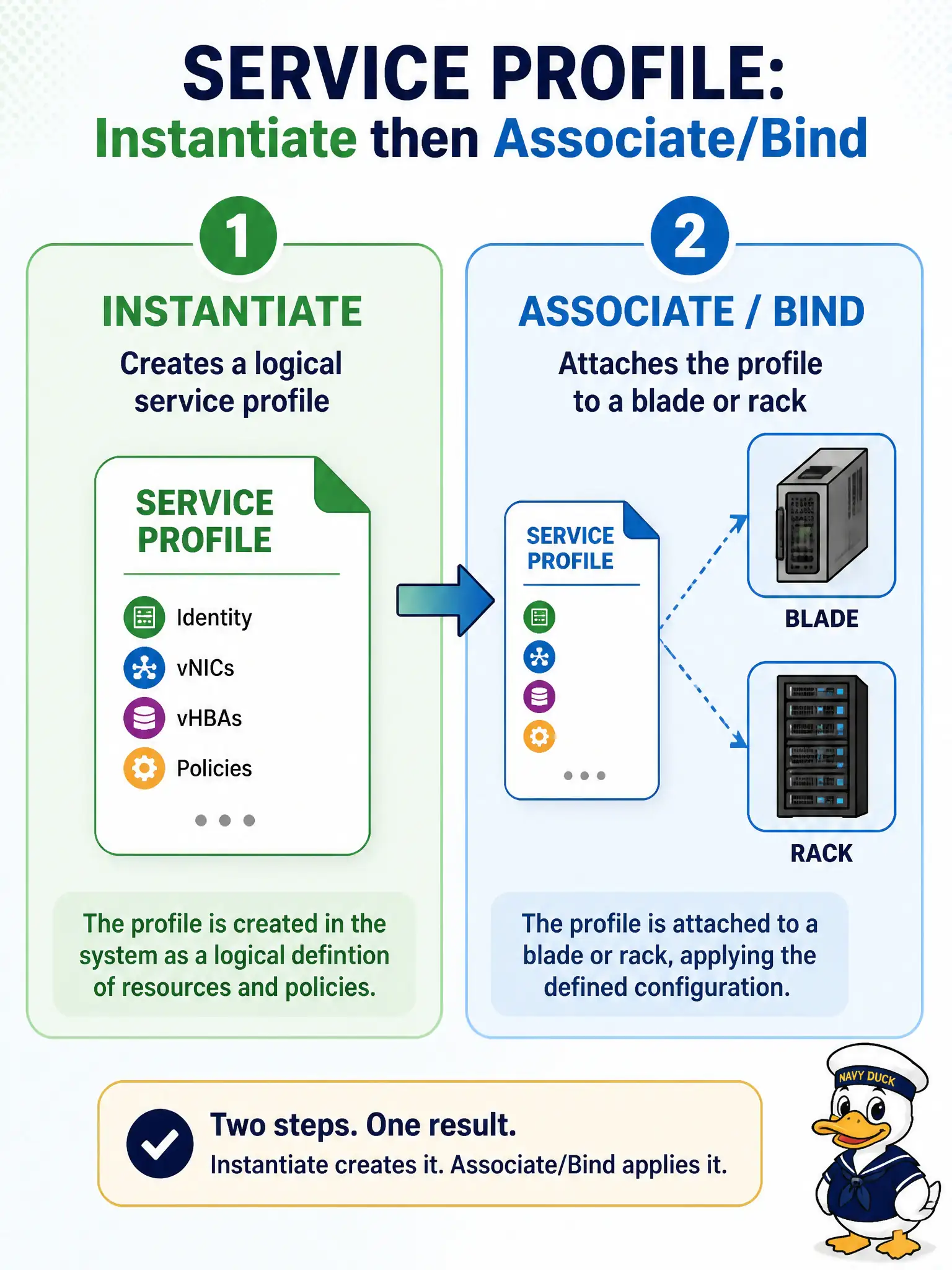
Instantiate prints the logical badge; associate pins that badge on a real server—stop after instantiate and you have paperwork with no employee wearing it.
Full Explanation
Instantiate creates the logical service profile from the template; the blade still needs an associate (bind) step so the profile’s identity is applied to a specific blade or rack via pool or explicit assignment. Until association completes and is committed, the parks server will not boot the new identity even though the profile object exists in UCS Manager.
Claiming instantiate alone binds the profile to hardware automatically fails because UCS separates instantiate (clone template → named profile) from associate (profile → server). Replacing UCS Manager with an Intersight PhysicalSummaries GET fails by concept: inventory retrieve does not bind a UCS service profile to a blade. Running configResolveClass repeatedly until the profile appears on the FI CLI fails because resolve only reads objects—it neither associates nor forces boot identity onto hardware.
Exam caveat: association can target a pool or an explicit server DN; picking the wrong pool silently lands city workloads on unintended hardware even when instantiate succeeded.
Operational check: after associate and commit, verify the profile shows the expected server assignment and that the blade reflects the new identity (or waits in the expected association state) before closing the parks change ticket.