
A parks reservation API still serves a certificate copied into place years ago and now past its notAfter date. Callers fail trust checks. Beyond the initial install, what must application-specific certificate configuration include?
Select an answer to reveal the explanation.
Short Explanation
A sticker that expired last winter still looks official until someone checks the date. Configuring an app cert includes replacing it before expiry—new material, remount, reload—not a one-time copy from years ago.
Full Explanation
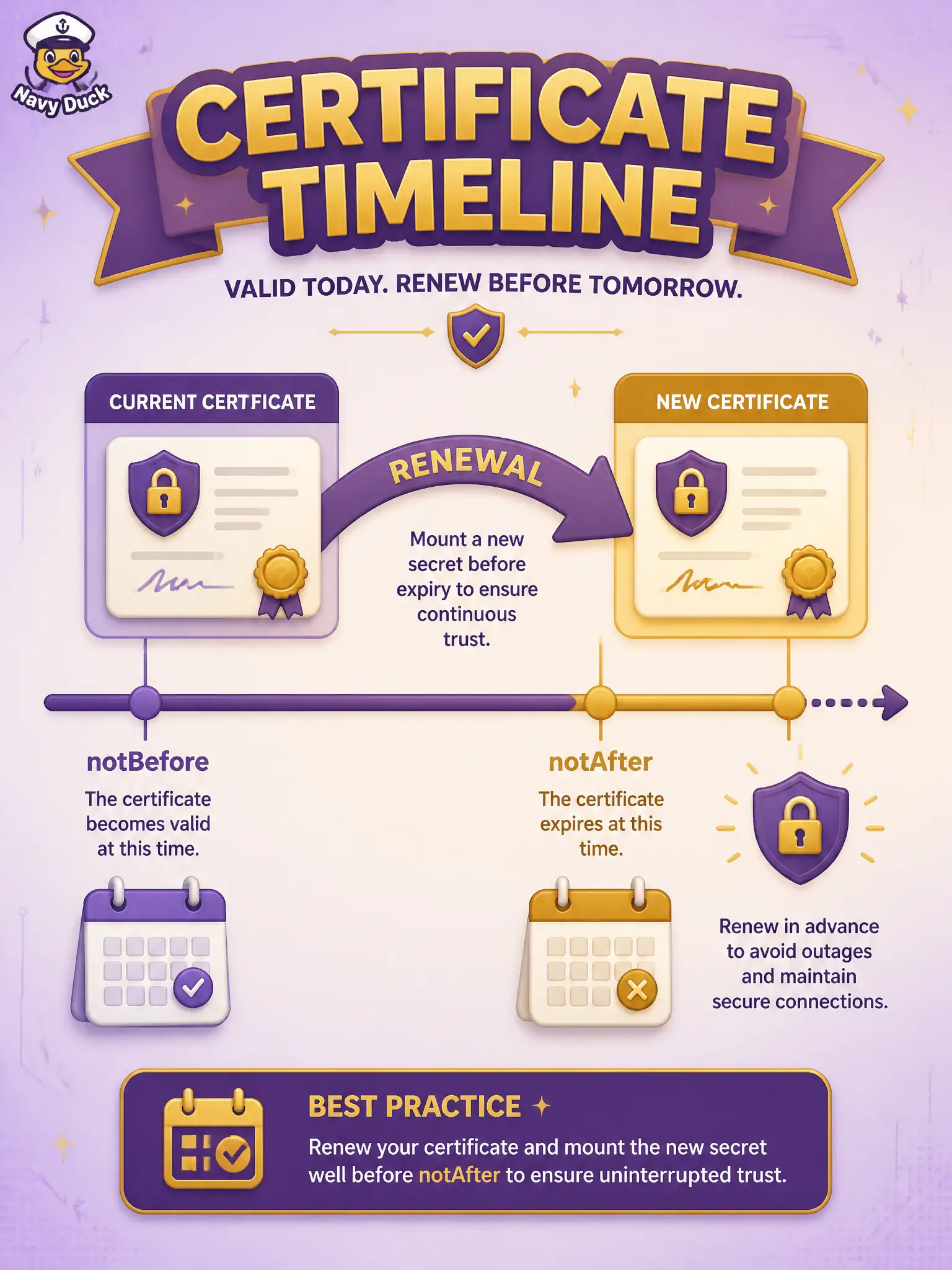
Certificates expire. Application-specific certificate configuration is not a one-time copy years ago—it must include replacing the certificate and key before notAfter, remounting or updating the secret, and reloading the TLS listener on the parks reservation API. Past-expiry leaves callers failing trust checks even when the private key is still on disk.
Disabling certificate date checks on all municipal clients permanently fails security and teaches users to ignore PKI. Converting the expired leaf into a long-lived self-signed root trusted by rewriting /etc/hosts fails both naming and trust: hosts files do not fix expiry, and self-signed roots broaden trust dangerously. Switching the API to cleartext HTTP whenever the calendar approaches notAfter fails confidentiality and compliance.
Exam caveat: automated issuance (ACME/internal CA) plus secret rotation still ends with remount/reload on the app—automation does not remove the configuration lifecycle. Monitor notAfter with enough lead time for CAB change windows.
Operational check: alert when notAfter is within the municipal rotation window, stage a new cert/key secret, reload, and verify clients trust the new chain without downtime beyond the reload policy.