
The city’s grants Function is in dynamic group civic-fn-dg and must read objects only from bucket permit-uploads. Which policy shape best reflects least privilege?
Select an answer to reveal the explanation.
Short Explanation
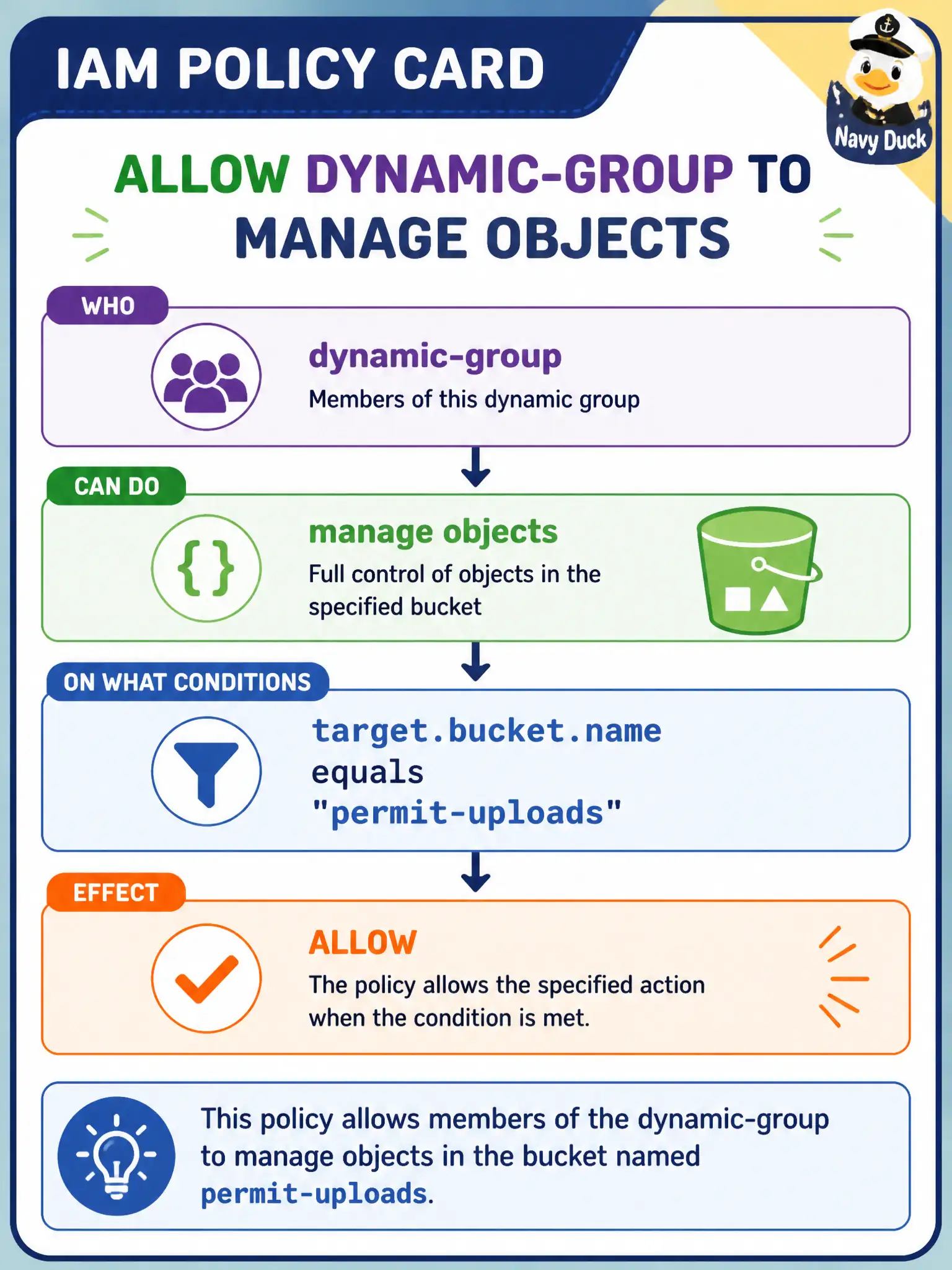
Name the dynamic group as the subject, pick the object family and verb you need, then tighten with a where clause on the bucket—like a badge that opens one cabinet, not the whole floor.
Full Explanation
Least privilege for the city’s grants Function in dynamic group civic-fn-dg that must read objects only from bucket permit-uploads is a dynamic-group Allow on the objects family in the CityApps compartment with a where clause such as target.bucket.name = 'permit-uploads'. That shape authorizes the Function principal—not a human Administrators group—and constrains object operations to the named municipal bucket instead of every bucket in the compartment or tenancy.
Allowing group Administrators to manage all-resources in the tenancy neither targets the Function’s dynamic group nor limits scope; it is a human break-glass style grant unrelated to the Function’s runtime needs. Allowing any-user to manage all-resources in CityApps opens the compartment to essentially every principal that can evaluate the policy context and is far too broad for object access. Allowing the dynamic group to manage all-resources in CityApps without a where clause lets the Function touch unrelated resources beyond the permit-uploads bucket, violating least privilege even though the principal type is correct.
Exam caveat: verb and family still matter—manage objects is broader than read objects; tighten to read objects if the Function only downloads. Operational check: invoke the Function against permit-uploads and confirm success, then attempt the same operation against a different bucket in CityApps and confirm NotAuthorizedOrNotFound, proving the where clause is enforced.