
During a festival ticket outage, operators need one Logging query that spans the API Gateway service log and the Functions invocation log group. What does OCI Logging search support?
Select an answer to reveal the explanation.
Short Explanation
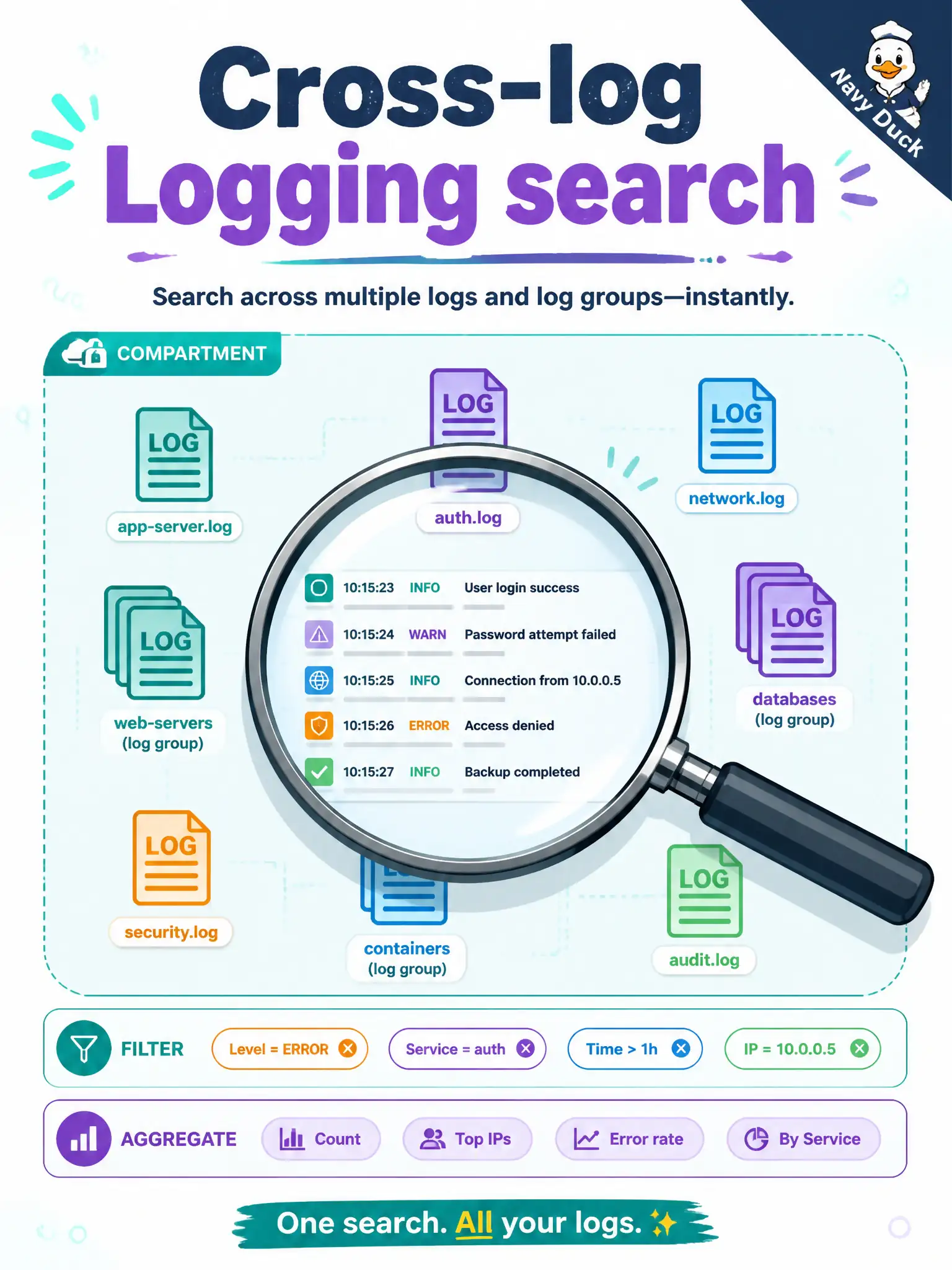
Logging search is one flashlight that can shine across many logs or a whole compartment. Basic mode clicks filters; advanced mode uses the query language—still UTF-8 text.
Full Explanation
OCI Logging search is index-backed and available from Console, API, and CLI. A single query can cover multiple logs, multiple log groups, or a compartment, with filter and aggregate options. During a festival ticket outage, operators can therefore span the API Gateway service log and the Functions invocation log group in one search instead of pivoting manually between isolated OCIDs with no shared scope.
Claiming search is limited to exactly one log OCID per query with no group scope contradicts that multi-log and group/compartment coverage. Saying search works only on non-UTF-8 binary payloads from Streaming invents a restriction—Logging search targets log content in Logging, not "binary Streaming only." Requiring deletion of log groups and metrics-only correlation throws away the designed search scope rather than using multi-group queries.
Exam caveat: broad compartment searches are powerful but noisy—prefer log-group scope when you know which groups hold gateway versus Functions traffic, and tighten with filters such as time and opcRequestId. Operational check: run one Logging Search across both the gateway service log and the Functions log group for the outage window, apply a shared filter, and confirm hits from both sources without issuing two unrelated single-log-only workflows.