
A building-permit team needs application print lines from an Oracle Function, not the tenancy’s public-API trail. Which Logging kind should they enable for that Functions output?
Select an answer to reveal the explanation.
Short Explanation
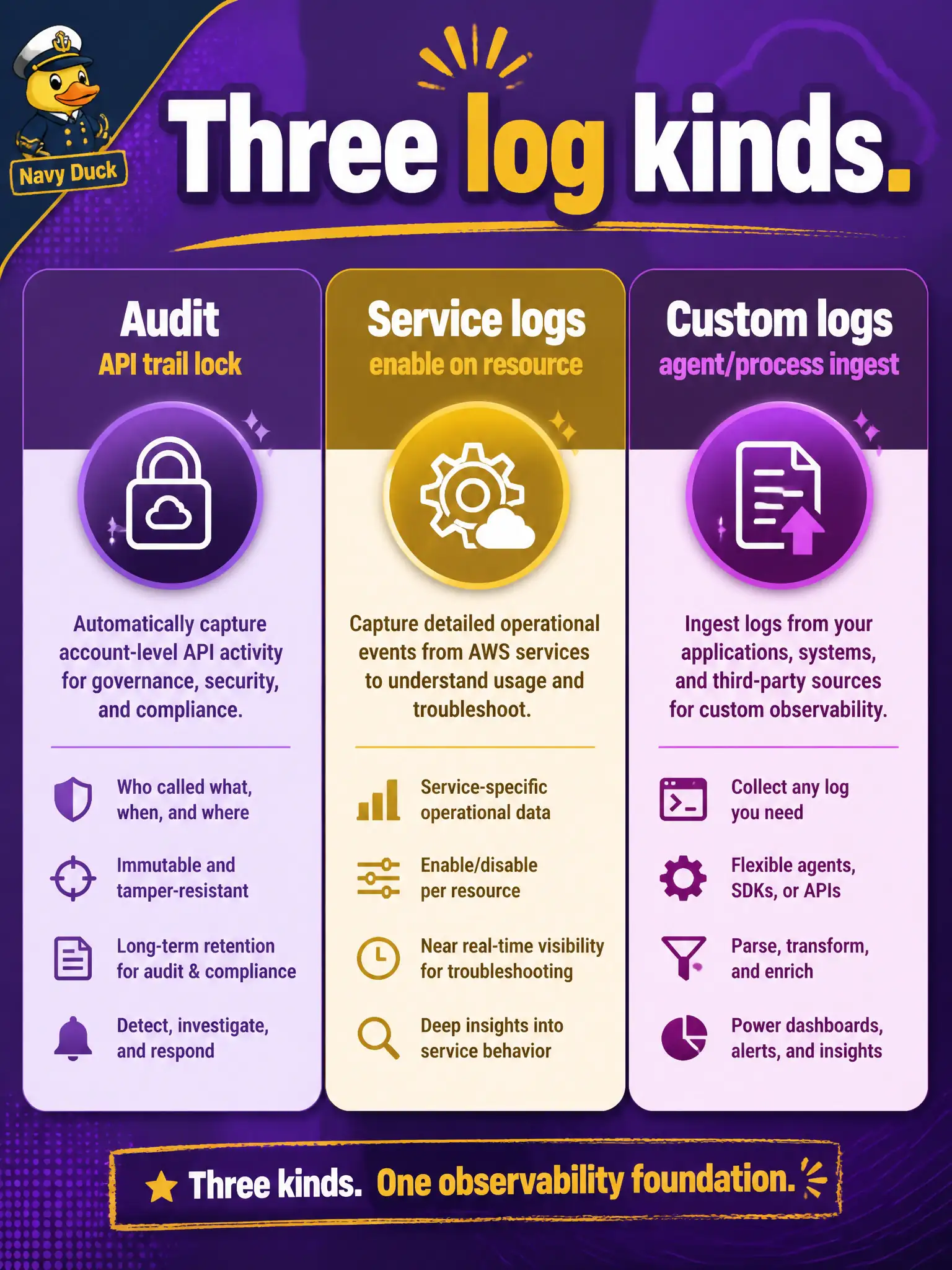
Audit is the locked front-desk ledger of public API calls—always there, read-only. Service logs are the categories you flip on for Functions or API Gateway; custom logs are what your process or an agent pushes in.
Full Explanation
OCI Logging splits three ideas cleanly. Audit logs are the always-on, read-only trail of public API calls in the tenancy—they do not capture every Function stdout line. Service logs are categories you enable on native resources (Functions, API Gateway, and others) so the platform writes operational events into Logging. Custom logs are what your process or an agent pushes when you need application-ingested output beyond the service category. For building-permit application print lines from an Oracle Function, enable the Functions service log category, and use custom logs where process-ingested app output is required beyond that category.
Relying only on Audit logs fails because Audit is the API ledger, not the Function console or stdout store. Treating Vault secret versions as the log store confuses secrets management with diagnostics—Vault holds secret material and versions, not handler print streams. Claiming Streaming is the only place service log categories can be written is false; service logs land in Logging log groups when enabled, while Streaming is a separate event/pipe product often used as an alarm or integration destination.
Exam caveat: enabling the service category gives invocation-oriented platform records; rich app diagnostics still require the handler to emit stdout/stderr (or custom ingestion)—enablement alone does not invent missing prints. Operational check: enable the Functions service log category into a named log in a log group, invoke the permit function with a deliberate print, and confirm the line appears in Logging Search under that log—not only in Audit.