
After adding a heavier library, a Java Oracle Function for tax-roll transforms begins returning FunctionInvokeTimeout / 504 even though wall-clock work used to finish. What should the team check first among Functions settings?
Select an answer to reveal the explanation.
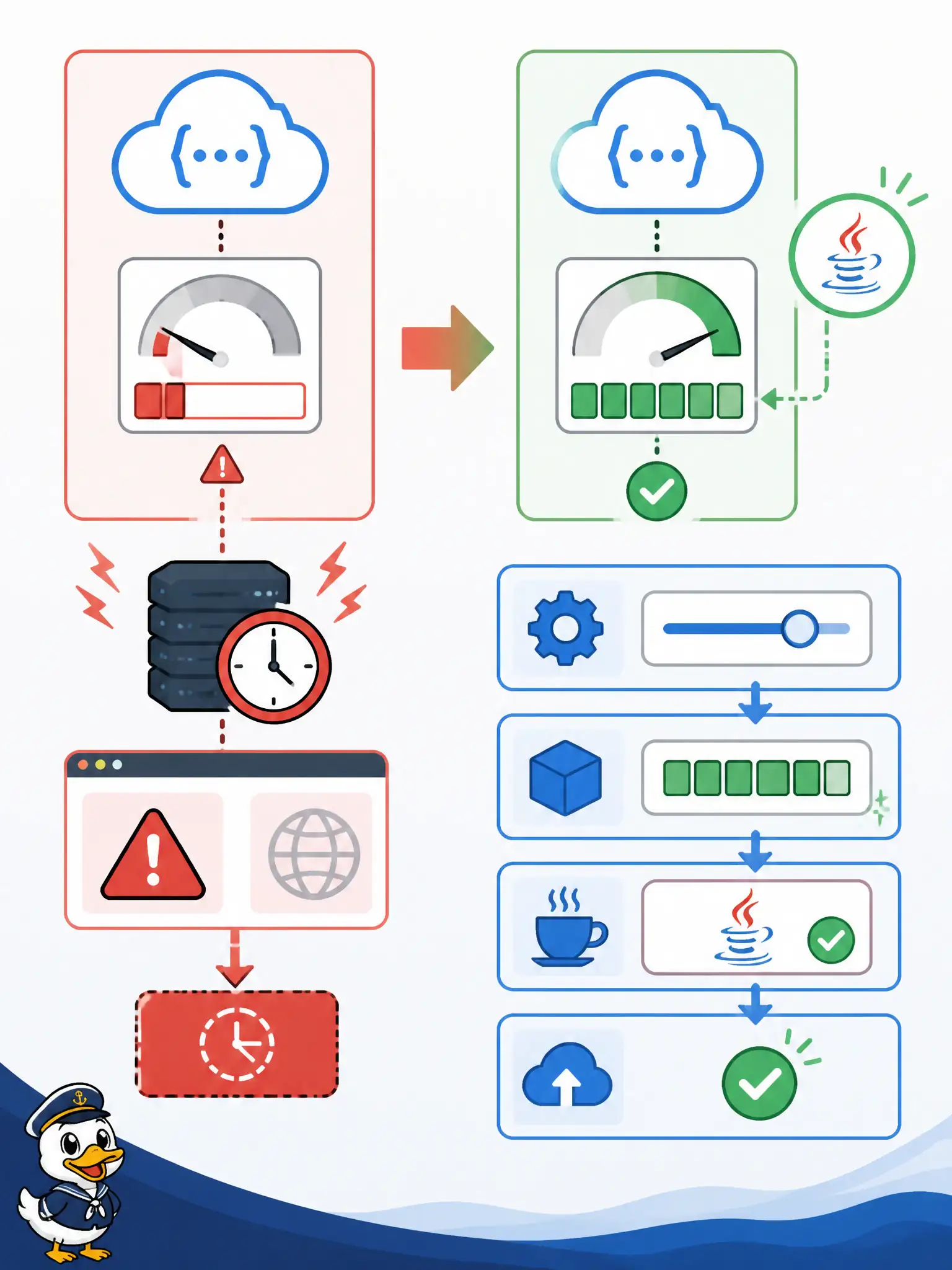
Short Explanation
A cramped desk makes every task look “slow” until the clock runs out. Undersized memory—especially for Java—can burn the whole timeout window on GC, so bump memory steps before assuming the timeout value alone is wrong.
Full Explanation
When a Java Oracle Function starts returning FunctionInvokeTimeout / 504 after adding a heavier library—despite previously finishing in wall-clock time—suspect memory pressure first among Functions settings. Undersized memory increases garbage collection and allocation stalls; the handler can burn the entire timeout window without completing useful work. Raise memory along the official discrete steps (for example from 128 to 256 MB or higher) before assuming the timeout number alone is wrong.
Only increasing the API Gateway route timeout while leaving function memory unchanged may mask or shift the failure boundary without fixing JVM thrashing inside the function. Deleting application configuration so the JVM uses less heap is not a coherent memory strategy and can break required settings. Switching the back end to stock-response bypasses the function entirely and does not solve tax-roll transform capacity.
Exam caveat: timeouts and OOMs can present similarly in client errors; Java is especially sensitive to the default 128 MB step. Operational check: inspect function memory configuration and invoke metrics/logs around GC or memory, bump one official memory step, redeploy, replay the same transform payload, and only then consider raising timeout if CPU-bound work truly needs more wall time.