
A developer prepares a local sidewalk-inspection tool image before any registry push. Which statement matches the build–tag–run lifecycle?
Select an answer to reveal the explanation.
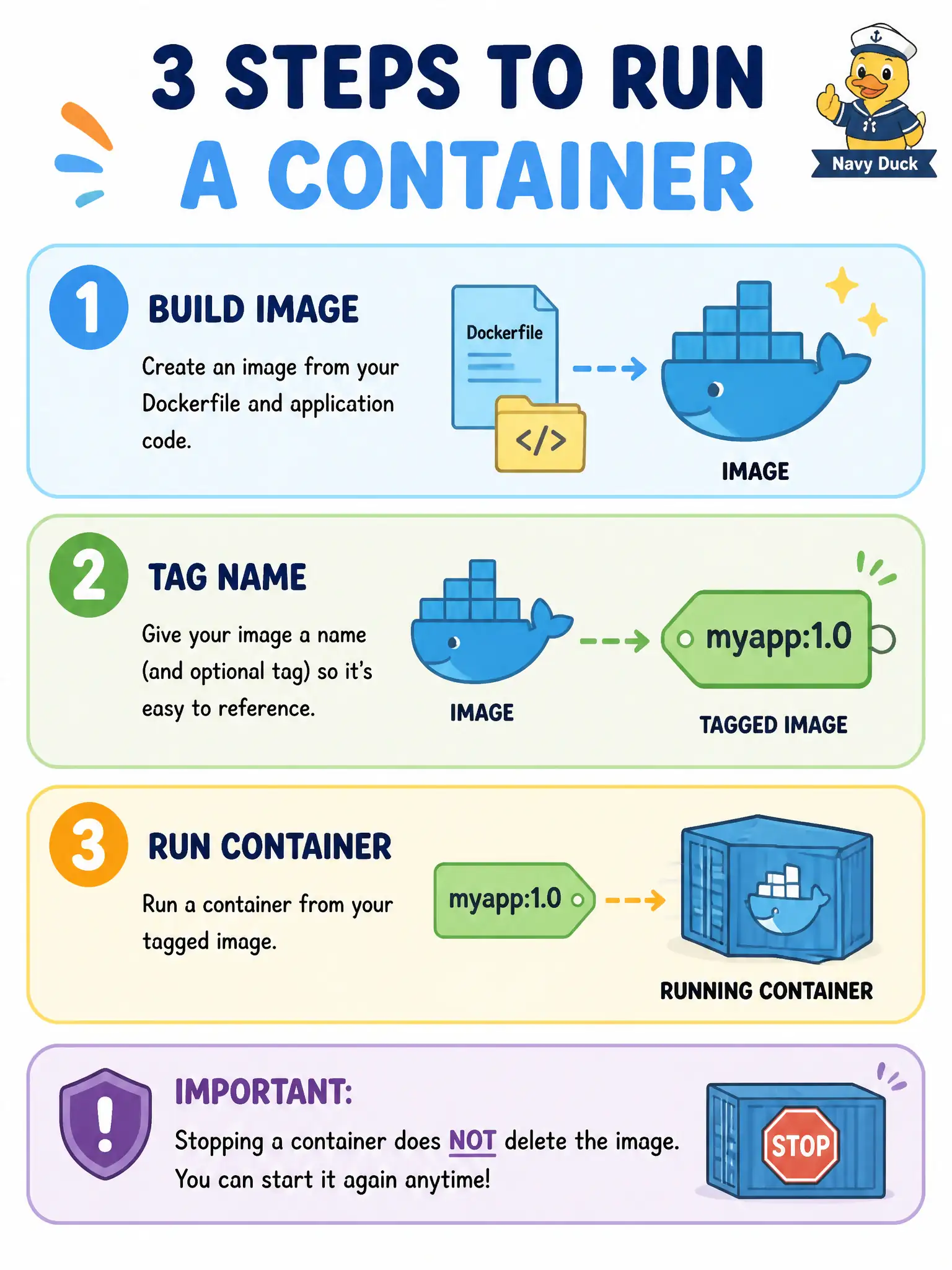
Short Explanation
Build makes the blueprint copy, tag gives it a name on the shelf, run starts one working copy. Turning off the working copy does not shred the blueprint—and deleting the blueprint does not erase the recipe file on disk.
Full Explanation
The local lifecycle for a sidewalk-inspection tool before any registry push is build, tag, then run. docker build produces an image from the Dockerfile and context; tagging assigns a convenient name for discovery and later run; docker run starts a container from that named image. Stopping the container ends the running process but leaves the image intact on the host. Removing an image later still does not delete the Dockerfile source file on disk. Push and pull belong to the registry step, which sits outside this local cycle.
Stopping a container does not delete the image and the Dockerfile in one step. Running a container does not recreate the Dockerfile from image layers automatically. Tagging an image does not start a container, and build is required to create the image before a meaningful local run—not only after the first push to a registry.
Exam caveat: stopped containers and dangling images accumulate on developer workstations; periodic cleanup is operational hygiene separate from the happy-path build–tag–run story. Operational check: build, tag, run, and stop, then list images and containers to verify the image remains while the container is stopped and the Dockerfile file still exists on disk.